10 Best Mining Software for Beginners Compared
You've got a computer, a few mining apps open in browser tabs, and no clear answer about which one fits your hardware. Before downloading anything, identify whether you'll mine with a CPU, GPU, or ASIC; check which coins and algorithms the software supports; estimate your electricity cost; decide whether you want direct coin payouts or marketplace payouts; and download only from the developer's official site.
The best mining software for beginners isn't necessarily the program with the most features. It's the one that works with your hardware and gives you understandable controls, transparent fees, and a secure setup process. Mining hardware has moved from ordinary CPUs to GPUs, FPGAs, and specialized ASICs, so a program that suits one kind of device may be the wrong choice for another. If you're preparing a computer for mining, first make sure it's stable and properly maintained. This gaming PC repair guide can help you check the basics before you put the system under sustained load.
Start with the deployment path that matches your setup. A Windows app is the easiest route for a trial on a personal PC. Rig managers and mining operating systems make more sense when you're running dedicated hardware. Marketplace apps simplify payouts, while low-power open-source options suit people who want to explore alternatives to conventional mining.
Table of Contents
- 1. NiceHash mining suite
- 2. Kryptex Miner
- 3. Cudo Miner
- 4. Hiveon OS
- 5. SimpleMining OS
- 6. minerstat
- 7. Awesome Miner
- 8. BetterHash
- 9. unMineable unMiner
- 10. Cascoin Labyrinth Miner
- Beginner-Friendly Features Comparison of 10 Mining Software Options
- Choose Carefully, Then Test Small
1. NiceHash mining suite
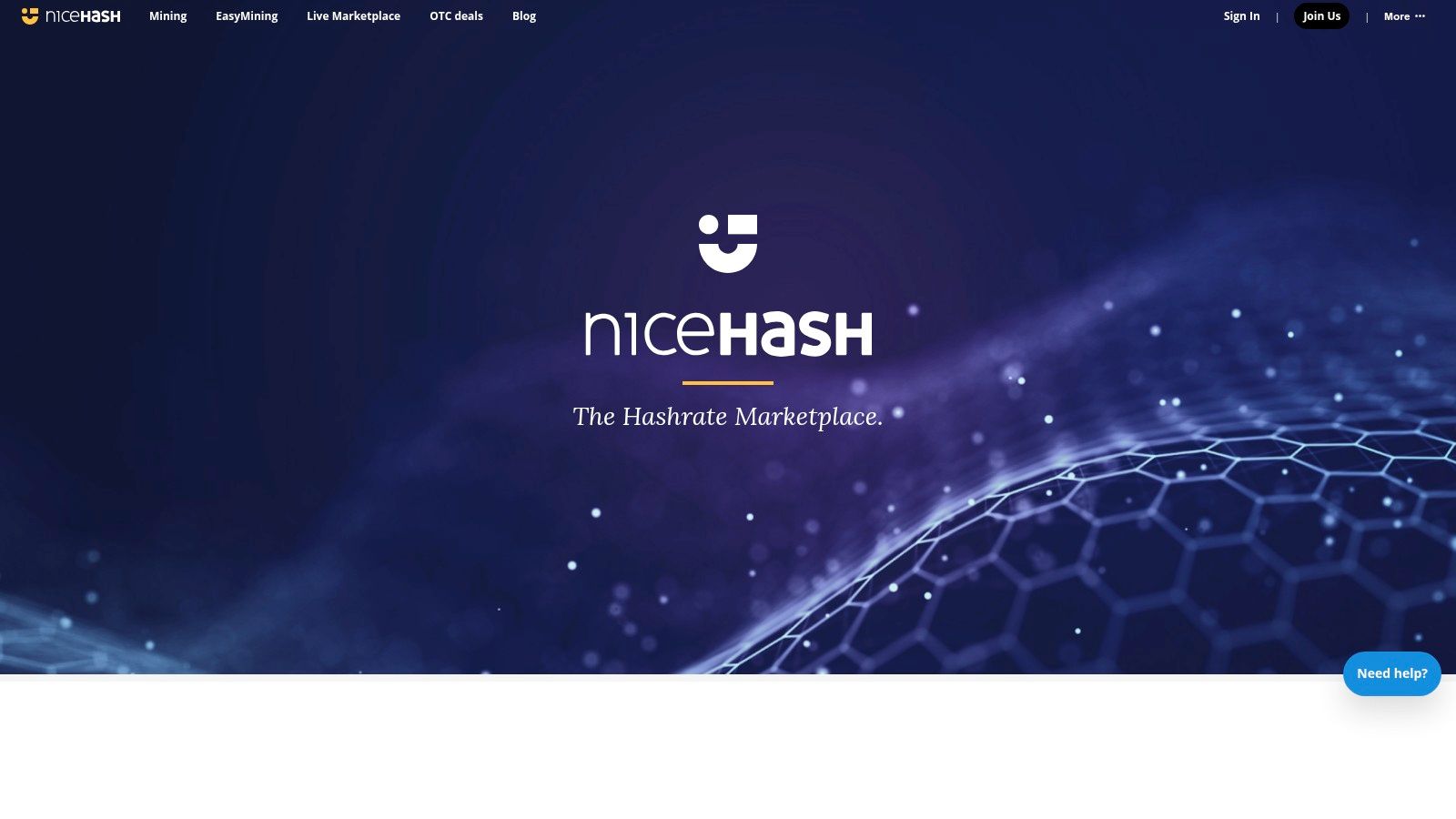
Best for a first Windows trial when you're open to receiving Bitcoin. NiceHash offers three routes: NiceHash Miner for Windows, QuickMiner for NVIDIA GPUs, and NHOS, a bootable Linux image for dedicated rigs. That gives beginners a straightforward starting point without forcing them to learn a mining operating system first.
NiceHash Miner can switch algorithms based on marketplace demand, while QuickMiner uses Excavator and offers simple GPU tuning. The built-in hardware information and profitability calculator help you see what the program detects and assess whether the setup is worth testing. NiceHash pays users in Bitcoin, so you're selling hash power through its marketplace rather than mining a specific coin directly.
Practical rule: If your priority is receiving Bitcoin with minimal setup, NiceHash is a sensible first app. If you specifically want to mine a particular coin, choose software and a pool designed for that coin instead.
NiceHash is free to download and use, but platform, pool, or withdrawal fees may apply. Antivirus software may flag mining programs, so don't disable security protections broadly. Verify the installer and understand any allow-listing step before proceeding.
Use the official NiceHash site to download the software. If you're comparing direct-mining options as well, this guide to mining programs can help you think through the difference between marketplace mining and coin-specific setups.
2. Kryptex Miner
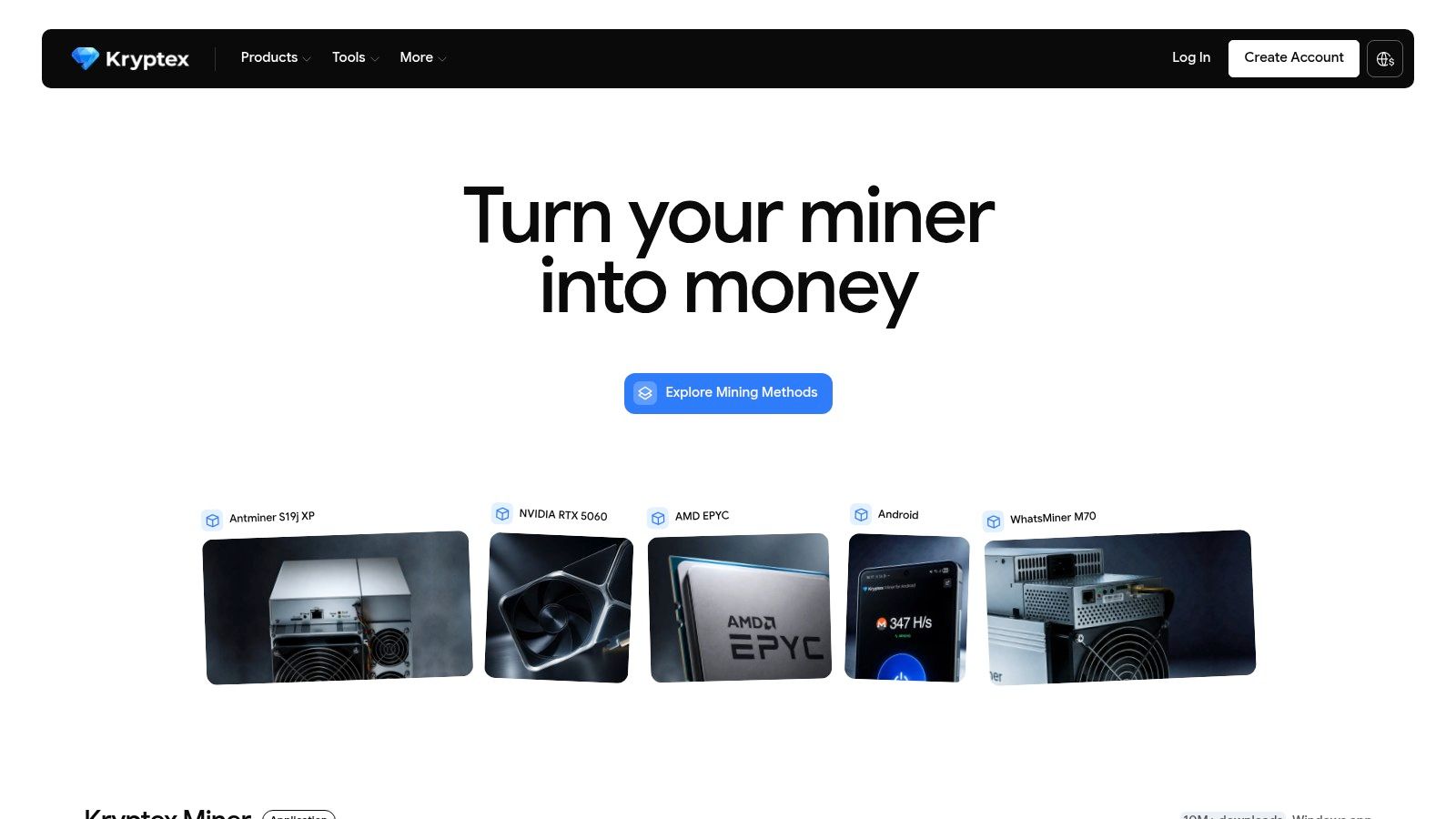
Best for a Windows user who wants a guided, mostly hands-off experience. Kryptex is built around a simple premise: install the app, let it detect your PC, and allow it to switch between coins or algorithms according to profitability. Earnings are credited to an account, with Bitcoin and, in some regions, gift cards among the withdrawal options.
That simplicity is useful if you're experimenting on a single computer and don't want to configure miners and pools manually. The trade-off is control. Kryptex is Windows-only, and its interface offers fewer expert settings than tools designed for operators who want to tune and manage every part of a mining setup.
Kryptex is free to download, though platform, payout, or miner developer fees may apply. Check the current fee terms and payout options in your account before committing. Also compare the withdrawal method with your goal: account-based payouts are convenient, but they're different from directing pool rewards to a wallet you control.
Download only through the official Kryptex site. Start with the app's hardware and earnings information, then check your actual electricity use rather than treating an estimated reward as profit. If you want a simple Windows workflow and accept limited fine-tuning, Kryptex is a practical starting point. If you expect to add rigs or need Linux support, choose a platform with broader management tools.
3. Cudo Miner
Best for beginners who want to start on a PC and leave room to expand. Cudo Miner provides Windows and Linux desktop applications, a web console for remote monitoring, and CudoOS, a bare-metal image for rig deployments. That range makes it more flexible than a single-purpose Windows miner, but it also means there are more components to understand.
Profit switching and automated tuning can handle some routine decisions for you. The web console lets you monitor activity away from the machine, which becomes more useful once you're managing dedicated equipment. A beginner should still review the settings rather than assuming automation will make every choice appropriate for their hardware, power costs, and preferred coin.
Cudo Miner is free to download and use; standard pool, miner, or withdrawal fees may apply. Before scaling beyond a test machine, check how the relevant fees are calculated and confirm where earnings are credited. More options don't automatically make a miner more profitable.
Use the official Cudo Miner site to review its current downloads and deployment choices. Choose the desktop app for a first trial. Move to CudoOS when you're ready to dedicate a machine to mining, and use the web console only after you've learned which settings and alerts matter to your operation.
4. Hiveon OS
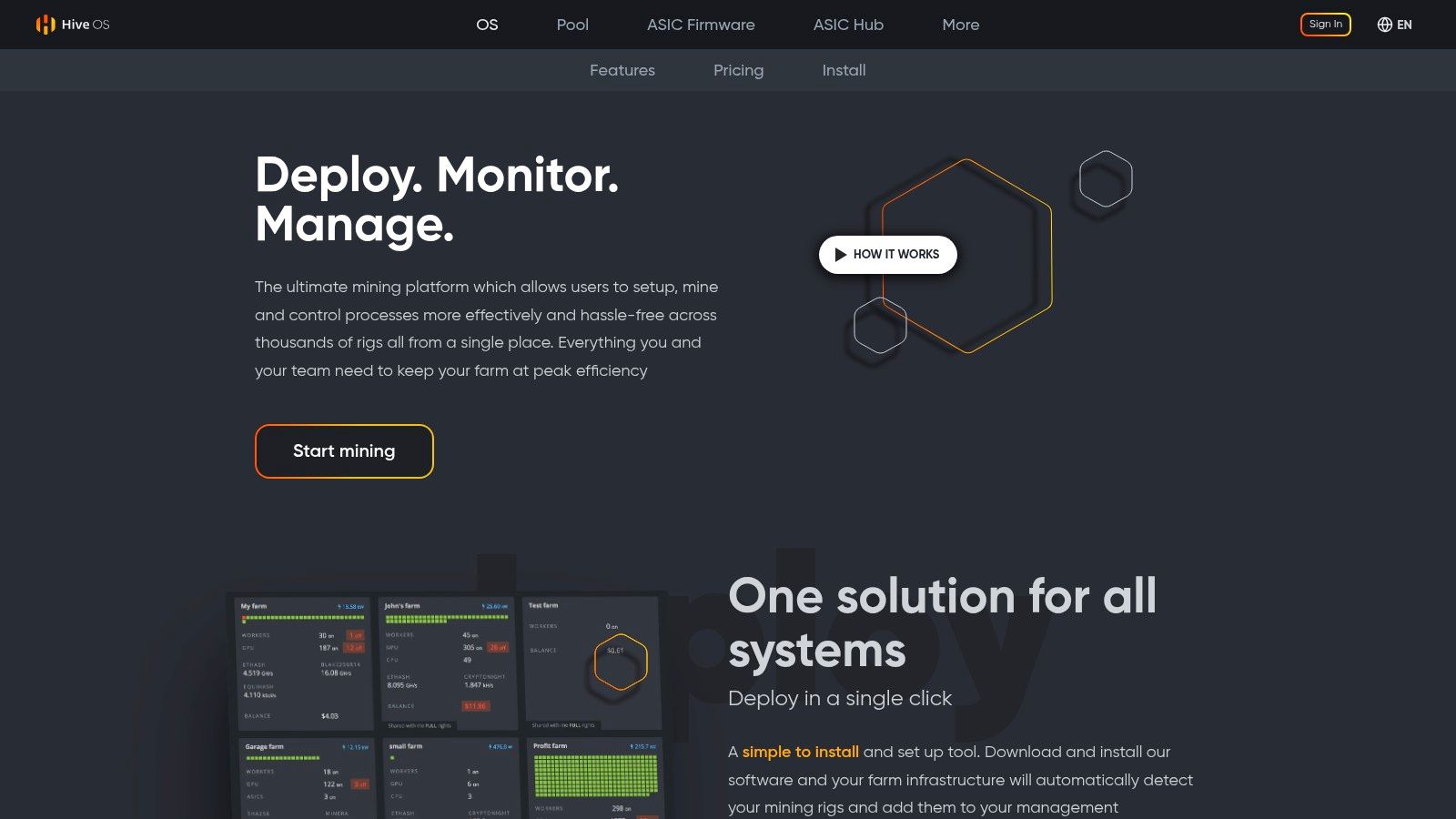
Best for a dedicated GPU rig that you want to monitor remotely. Hiveon OS is a Linux-based mining operating system, not just a Windows app. You flash its image to a drive, boot the rig from it, and use a cloud dashboard to configure miners, monitor temperatures, and manage settings.
Its flight sheets let you organize a miner, coin, and pool configuration, then switch between setups without rebuilding each configuration from scratch. Remote monitoring and control are useful when a rig runs separately from your everyday computer. That convenience comes after an initial setup step: you'll need to flash the image and be comfortable changing boot settings.
The OS image is free to download, but platform, pool, or feature fees may apply depending on usage. Check the current terms for your planned setup before moving a rig onto the platform. Hiveon OS is a strong fit if you're ready to manage dedicated hardware, but it's unnecessary complexity for someone who just wants to test mining on a personal Windows PC.
Get the image and documentation from the official Hiveon OS site. Before you configure payouts, choose a suitable pool and understand how its payout rules work. This guide to choosing a mining pool for beginners can help you compare that part of the setup.
5. SimpleMining OS
Best for a GPU rig owner who wants a straightforward Linux deployment. SimpleMining OS, also called SMOS, uses a plug-and-play workflow: flash the image, boot the rig, then manage miner, pool, and overclock profiles through a hosted dashboard. It's more focused than a general-purpose Linux installation, which can make setup easier if you want a machine dedicated to mining.
The hosted dashboard gives you a central place to configure rigs and review their status. Images include driver and miner updates for common GPUs, helping simplify the software side of deployment. You'll still need to know which pool and miner settings match your hardware and coin. A ready-made interface doesn't remove the need to verify those choices.
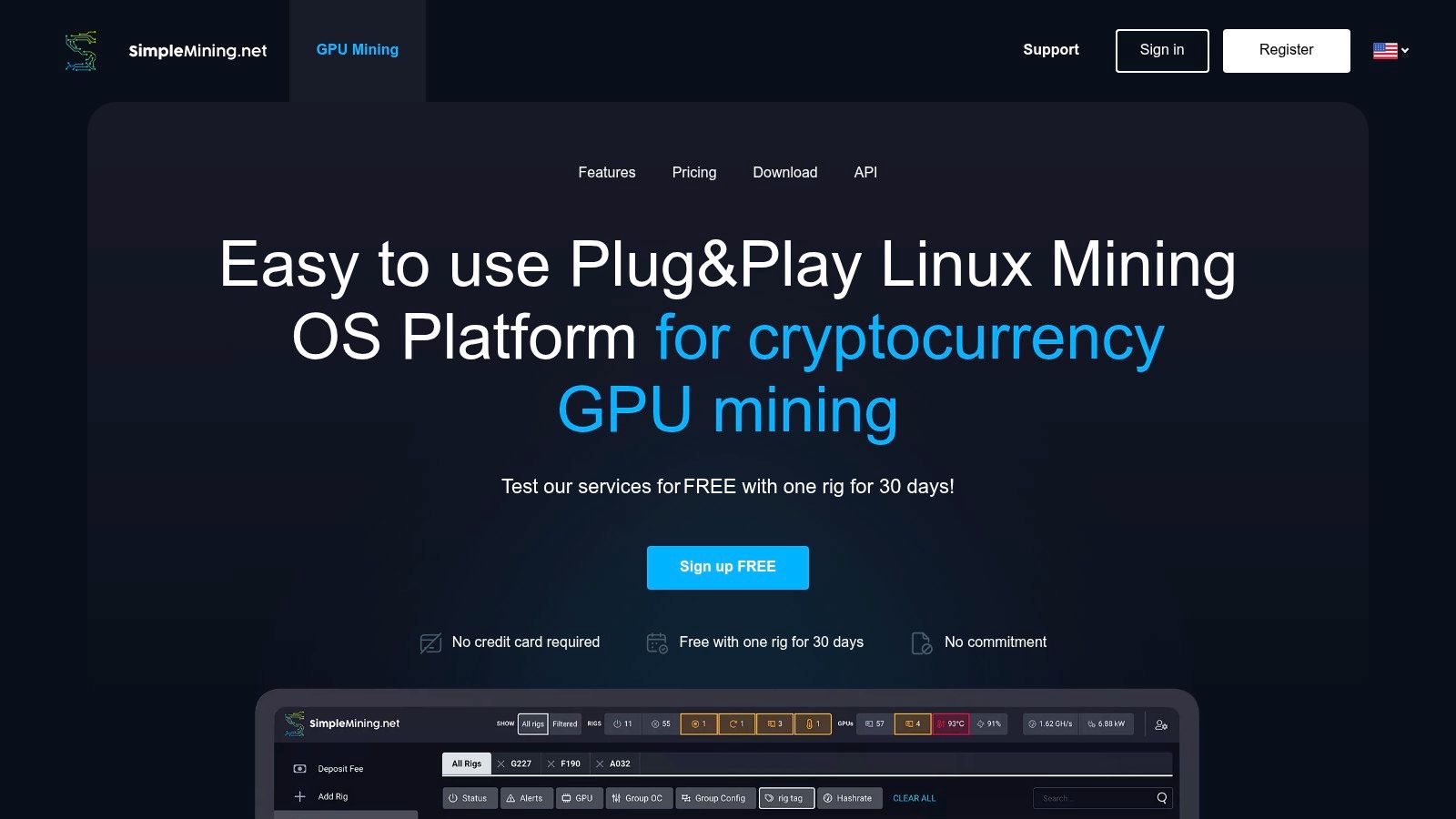
SMOS requires flashing a Linux image to a USB drive or other storage. Its pricing information has historically described a free trial followed by a per-rig monthly charge, but confirm current pricing directly before adopting it. That recurring cost is part of your operating calculation, alongside electricity, pool terms, and any miner developer fees.
Choose SimpleMining OS if you prefer an appliance-like setup for a dedicated GPU rig. If you want detailed automation or broader management options, compare it with platforms such as minerstat or Awesome Miner. The official SimpleMining site is the place to check current features, downloads, and plan details.
6. minerstat
Best for a beginner who expects to grow into managing more hardware. minerstat combines a Windows miner with msOS, its Linux mining image, and adds monitoring and automation features. Profit switching, benchmarking, templates, triggers, and alerts provide more control than a basic install-and-run app, but you'll need time to learn the dashboard.
The platform's strengths become clearer when you're managing different machines or want a repeatable configuration. Real-time mining data and hardware pages can help you spot changes, while automation lets you define how the system should respond. Those controls are valuable only when you understand what they're monitoring and have chosen appropriate limits.
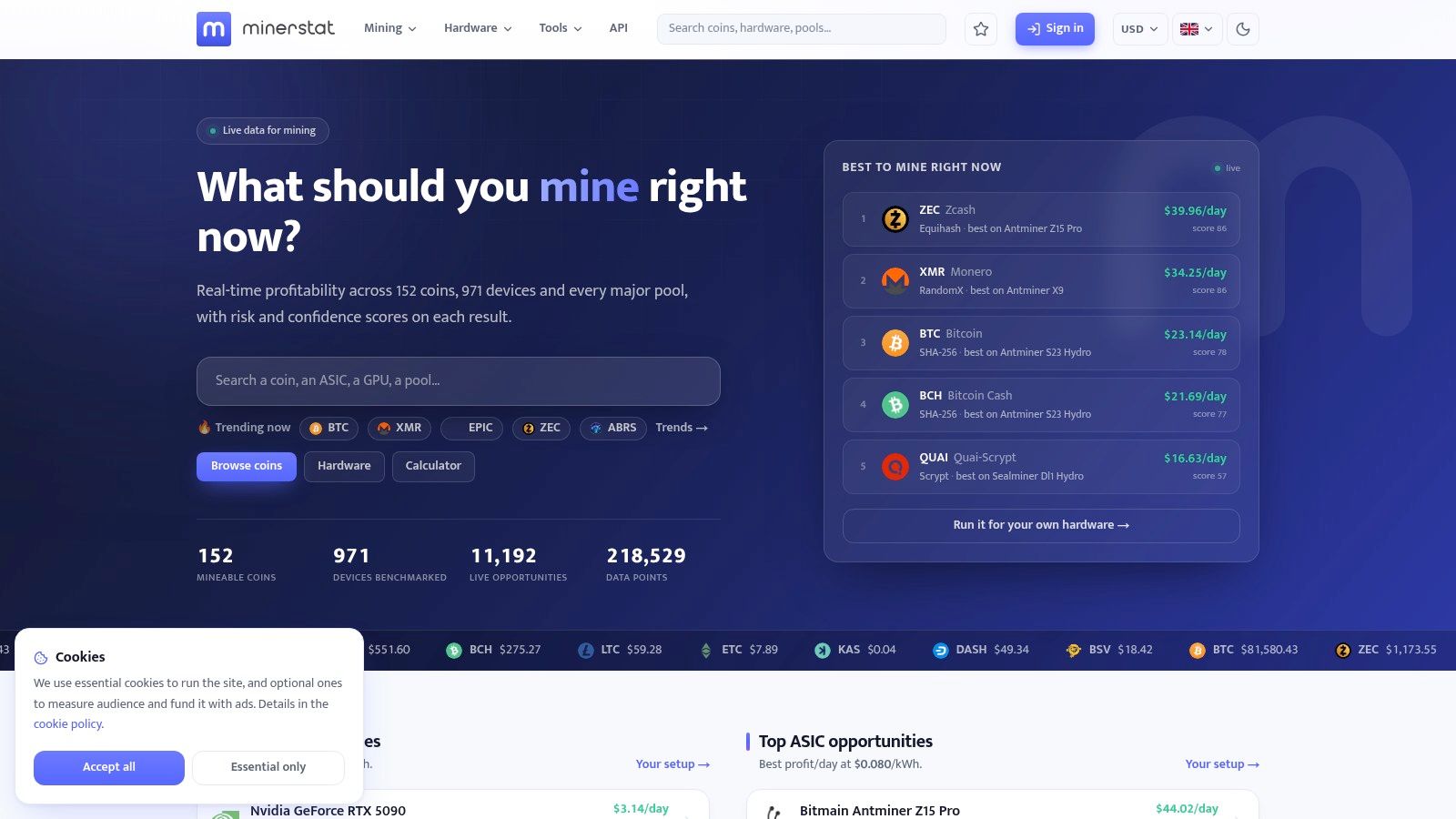
minerstat offers trial options and paid plans; check its current pricing before deciding whether the added management features justify the cost. Don't select it just because it offers more menus. If you're mining on one PC and want the fewest decisions, a simpler Windows app is likely a better fit.
For a hobbyist who plans to expand, minerstat strikes a useful balance between an accessible starting point and tools for broader operations. Review its Windows and Linux options on the official minerstat site, then begin with a single machine and add automation only after you've verified that the basic miner, pool, and payout settings work as expected.
7. Awesome Miner
Best for someone who wants a central dashboard for different kinds of mining hardware. Awesome Miner runs on Windows and can manage miners locally or oversee remote Windows, Linux, and ASIC devices. It includes profit switching, benchmarking, rules, and alerts, so it suits a mixed setup better than a simple single-PC app.
Its manager-focused approach has a learning curve. You'll need to decide which devices to add, how they should connect, and which alerts are worth acting on. If you're only testing a GPU in your everyday computer, this breadth may feel like extra work rather than an advantage.
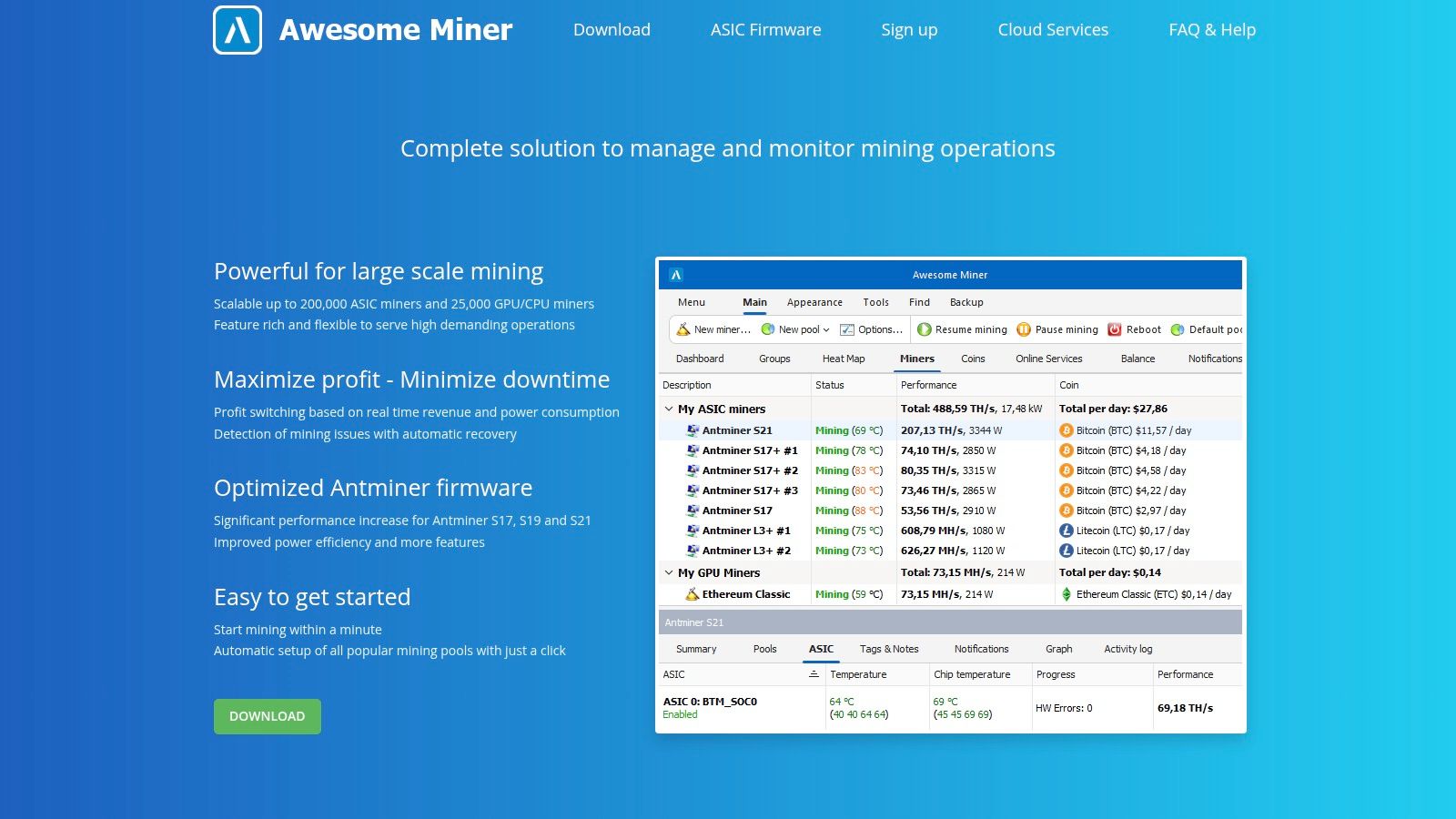
Awesome Miner offers a free tier for small setups alongside paid subscriptions, but check the official Awesome Miner site for current limits and pricing. Optional custom firmware is available for some Antminer models; review its terms carefully because the firmware may charge a per-hashrate mining fee rather than a standard license.
A manager can make a growing setup easier to oversee, but it can't make an unsuitable hardware or electricity choice economical.
Choose Awesome Miner if you want one place to supervise several device types, or if you're learning how to manage remote miners. For a dedicated rig that's still being assembled, first map out the hardware, power supply, cooling, and pool configuration using this mining rig setup guide. That groundwork will make the software configuration easier to evaluate.
8. BetterHash
Best for a Windows beginner who wants automated setup without a manager-heavy interface. BetterHash selects miners and pools, handles updates, and presents a consumer-oriented interface for background mining. That makes it a natural fit for someone who wants to install an app and avoid configuring every component manually.
The trade-off is limited control. If you want to inspect pool choices, tune hardware, or manage multiple machines, a more configurable platform will serve you better. BetterHash is also Windows-only, so it isn't the right choice for a dedicated Linux rig.
The developer states that BetterHash has no usage or mining fee. That doesn't mean every part of mining is free: network, miner developer, or withdrawal fees may still apply. Check the app's current payout terms and fee disclosures before leaving it running.
Download the installer from the official BetterHash site, and treat any antivirus warning as a reason to verify what you're installing, not as an instruction to disable protection. BetterHash is a reasonable pick for a simple Windows trial when you value automation over fine-grained control. If transparency and direct configuration matter more, compare it with open-source miners and review their code and release process.
9. unMineable unMiner
Best for a Windows user who wants mining rewards converted to a chosen asset. unMineable unMiner provides a quick-start interface for supported algorithms and can convert rewards automatically. That can be convenient if the coin you want to receive isn't the one your hardware mines directly.
Its payout flexibility doesn't make the underlying mining process interchangeable across hardware. Confirm that your machine supports the selected algorithm, then review pool and payout rules so you understand how rewards reach your account. The app offers fewer fine-tuning options than tools built for experienced operators.
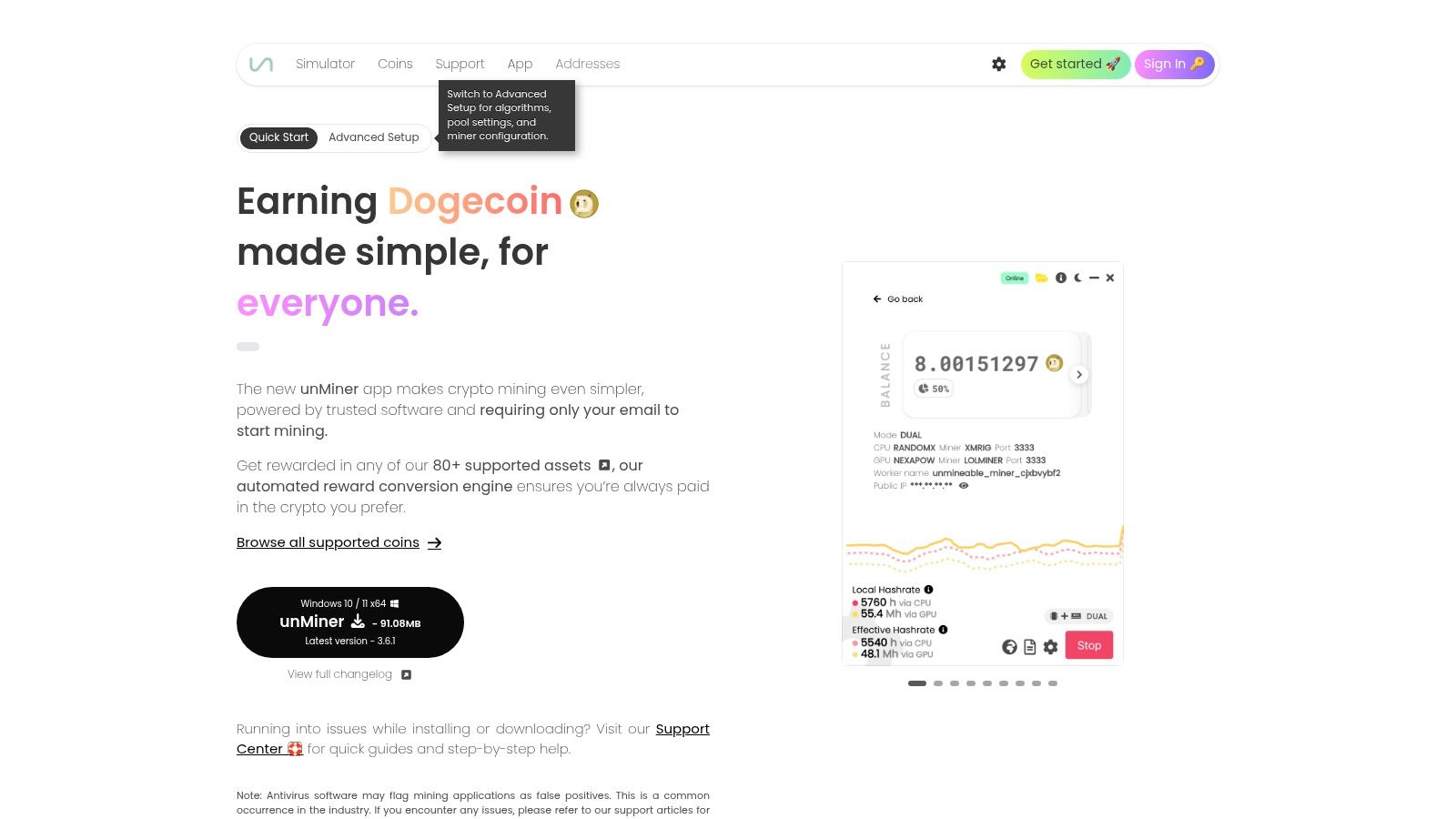
The app is free to download, but pool, miner, or withdrawal fees may apply. unMineable also notes that antivirus tools may flag mining software. Verify the download and consult the project's support articles and changelog before making any security exception.
Get the installer from the official unMineable site. Choose unMiner when payout choice and a simple start flow matter more than detailed tuning. If you want closer control over the miner, pool, and payout path, use a more configurable program and send rewards directly to a wallet you control.
10. Cascoin Labyrinth Miner
Best for low-power, open-source experimentation, not conventional mining benchmarks. Cascoin Labyrinth Mining runs through the Cascoin Core Wallet. The project describes a gamified process: lightweight software simulates mice moving through a virtual maze to collect cheese. To participate, users sync the wallet, activate Labyrinth Mining, create a Bee Creation Transaction, and receive rewards.
Cascoin also offers MinotaurX for CPU mining and SHA-256 for ASIC operators. Choose based on your hardware: a CPU option and ASIC mining come with different power demands, setup steps, and operating requirements. Check your hardware and electricity budget before choosing a mode.
The software is free to use, and the project describes its code as open source. Public repositories provide access to the code, while its block explorer lets users view on-chain activity. These features support transparency, but verify the current repository, release, wallet, and payout details yourself. Cascoin has a smaller ecosystem than major mining platforms, so expect fewer community resources and third-party guides.
Practical rule: Treat Labyrinth Mining as an open-source experiment, not a guaranteed source of income. Track your machine's power use and rewards.
Get the wallet and setup instructions from the Cascoin Labyrinth Miner. Choose Labyrinth Mining for its gamified, low-power approach, MinotaurX for CPU participation, or SHA-256 only if you understand ASIC hardware and its costs.

Beginner-Friendly Features Comparison of 10 Mining Software Options
| Mining Tool | Core Features & Approach | Ease of Use / Quality | Best For | Price & Value |
|---|---|---|---|---|
| NiceHash Mining Suite | ✨ Marketplace-based hashpower; auto-switching, QuickMiner, and NHOS | ★ Quick Windows setup; Bitcoin payouts | 👥 Beginners and GPU miners seeking simple payouts | 💰 Free software; platform, pool, or withdrawal fees may apply |
| Kryptex Miner | ✨ Automatic coin and algorithm switching; Bitcoin or regional gift-card payouts | ★ Guided, hands-off Windows experience | 👥 Casual Windows users mining on one PC | 💰 Free download; platform, payout, or miner fees may apply |
| Cudo Miner | ✨ Windows/Linux apps, remote console, CudoOS, and profit switching | ★ Beginner-friendly with options to scale | 👥 Home miners and multi-rig operators | 💰 Free download; pool, miner, or withdrawal fees may apply |
| Hiveon OS | ✨ Linux mining OS with flight sheets and remote rig controls | ★ Strong multi-rig management; requires setup | 👥 GPU miners managing multiple rigs | 💰 Free image; platform, pool, or feature fees may apply |
| SimpleMining OS (SMOS) | ✨ Linux image and hosted dashboard for miner, pool, and overclock profiles | ★ Plug-and-play workflow after flashing | 👥 Miners wanting straightforward rig management | 💰 Historically $2 per rig/month after free trial |
| minerstat | ✨ Windows app, msOS, profit switching, automation, and alerts | ★ Flexible tools; takes time to learn | 👥 Hobby miners growing into small farms | 💰 Free trial options; paid plans commonly around $2/worker/month |
| Awesome Miner | ✨ Remote device management, profit switching, rules, and alerts | ★ Mature controls; more manager-focused | 👥 Users managing varied miners or ASICs | 💰 Free for up to 2 miners; subscriptions start around $2/miner/month |
| BetterHash | ✨ Automatic miner and pool selection with updates | ★ Simple Windows install-and-go experience | 👥 Beginners seeking background mining | 💰 Free; no BetterHash usage fee advertised |
| unMineable unMiner | ✨ Windows quick start and automatic payouts across 80+ assets | ★ Simple setup; limited fine-tuning | 👥 Beginners who want flexible payout assets | 💰 Free download; pool, miner, or withdrawal fees may apply |
| 🏆 Cascoin Labyrinth Miner | ✨ Open-source maze-themed mining; low-power Labyrinth Mining, MinotaurX, and SHA-256 options | ★ Gamified setup, public code, and on-chain verification | 👥 Energy-conscious miners, builders, and crypto enthusiasts | 💰 Free to use; open-source and community-driven |
Choose Carefully, Then Test Small
Pick software by deployment path, not by an unqualified ranking. If you want to try mining on a Windows PC, start with a straightforward app such as NiceHash Miner, Kryptex, BetterHash, or unMineable unMiner. Choose NiceHash when Bitcoin payouts through a marketplace fit your goal, Kryptex or BetterHash for guided Windows use, and unMineable when automatic reward conversion is the priority.
For a dedicated GPU rig, move to a mining operating system such as Hiveon OS or SimpleMining OS. Both require you to flash an image and learn a dashboard, but they're designed around rig management rather than occasional mining on a personal computer. Cudo Miner can bridge a desktop start and a rig deployment, while minerstat and Awesome Miner offer more management depth if you expect to oversee multiple devices or hardware types.
For low-power open-source experimentation, consider Cascoin's Labyrinth Mining or MinotaurX modes, after checking their current setup instructions and verifying the software yourself. Reserve SHA-256 ASIC operations for people who understand the hardware's heat and cooling demands, pool fees, and local electricity costs. Software can simplify operation, but it can't resolve the basic economics of an unsuitable machine or an expensive power supply.
Before installing, visit the developer's official site, inspect the download and its permissions, and avoid bundled installers you can't verify. Keep mining separate from your everyday accounts where practical, protect wallets with strong security, and enable two-factor authentication on services that support it. For open-source tools, review the repository and release signatures where available. Check payouts against the project's explorer or pool records, and scan installers before running them.
Then test on a small scale. Monitor accepted shares, uptime, temperature, power draw, and actual rewards. Compare those figures with your electricity tariff and any pool, platform, withdrawal, or miner developer fees. Cambridge-linked energy estimates differ, which is a reminder that mining-energy calculations and profitability depend on assumptions. Don't treat a software estimate or community claim as a promise.
Mining rewards and cryptocurrency prices are uncertain. Treat community and developer claims as inputs to verify, not as investment advice or proof that a setup will earn money. If the measured costs exceed the rewards, stop or use the machine for another purpose. A small, monitored trial will tell you more about your own hardware and electricity costs than any generic software ranking.
Cascoin offers Labyrinth Mining through its wallet, along with CPU-oriented MinotaurX and SHA-256 options for ASIC operators. If you want to explore a low-power, open-source approach as part of your beginner mining research, review the documentation and project details at Cascoin.