10 Best Mining Software Ubuntu Guide 2026

Ubuntu mining often starts with a familiar scene: the operating system is installed, the rig is ready, and a tutorial's copy-paste command fails because its driver, miner version, or pool settings don't match your setup. The fix isn't always a different command. It's choosing software that fits your hardware and checking the whole path from Ubuntu drivers to pool connection before leaving a machine unattended.
This mining software for Ubuntu comparison covers CPU, GPU, and ASIC tools, plus a management option for multi-rig setups. Each pick has a different balance of install effort, hardware focus, and monitoring. Ubuntu can make repeatable Linux deployments practical, but it won't make every miner compatible with every card, algorithm, or pool.
Ubuntu 24.04 LTS, code-named Noble Numbat, was released in April 2024 and receives standard security maintenance through May 2029, according to the Ubuntu 24.04 release notes. That's a useful base for a machine you intend to maintain over time, though the operating system's support period doesn't guarantee that a particular miner or driver will support your hardware.
Table of Contents
- 1. XMRig
- 2. BzMiner
- 3. lolMiner
- 4. T-Rex Miner
- 5. SRBMiner-MULTI
- 6. TeamRedMiner
- 7. BFGMiner
- 8. CGMiner
- 9. cpuminer-opt
- 10. Awesome Miner Remote Agent
- Mining Software for Ubuntu: Top 10 Comparison Matrix
- Pick Your Miner and Start Efficiently
1. XMRig
XMRig is a practical starting point for CPU mining on Ubuntu, especially if you're comfortable working in a terminal and want configuration options rather than a graphical setup. It supports CPU mining across several processor architectures and has optional GPU support through OpenCL for AMD and a CUDA plugin for NVIDIA. Don't assume that a supported algorithm automatically means support for your chosen coin or pool. Confirm all three before installing.
The project provides Linux releases and Ubuntu build instructions, along with a configuration file, setup wizard, HTTP API, and failover pool support. A first run is more manageable if you test with a simple config and add tuning only after you've confirmed that the miner connects and submits work. Pool configuration usually means entering the pool's address and port, your wallet or account identifier, and a worker name if the pool uses one. Follow the pool's own instructions for the correct format.
Where it fits, and where it doesn't
XMRig's configurability is useful once you want to compare CPU behavior or use failover pools. It can also mean more choices than a new user needs. The project includes a default 1% developer donation, which can be adjusted in configuration. Check the current documentation so you understand the setting before changing it.
CPU mining is still CPU work: watch processor temperature, system responsiveness, and power draw rather than judging a setup by hashrate alone. For a broader look at choosing an operating system for a rig, see this guide to mining operating systems.
Practical rule: Start with the pool's documented connection details and the miner's default behavior. Tune only after you've verified a stable connection and recorded a baseline.
2. BzMiner
BzMiner is aimed at operators who want one miner for a mix of supported GPU vendors and CPU configurations. Its Linux x64 build, multi-algorithm approach, web dashboard, and proxy feature can be useful when several rigs need to report through a shared setup. That breadth doesn't make it plug-and-play: hardware and driver requirements depend on the algorithm you select.
Installation is less about finding a universal command and more about matching the official release and launch example to your device. The project provides configuration examples and per-algorithm launch scripts. Use the example for your intended algorithm as a starting point, then check that the device is detected before connecting the worker to a pool. If a GPU doesn't appear, troubleshoot the Ubuntu driver stack first instead of changing unrelated miner settings.
The dashboard has a trade-off
A web dashboard can make monitoring more convenient than reading a terminal window, particularly when you're checking separate rigs. The proxy feature can also reduce the amount of pool configuration repeated across machines. But additional controls create a larger configuration surface, and optimization behavior may differ across GPU models. A setting that works well on one card isn't evidence that it's appropriate for another.
BzMiner's official releases publish file checksums. Verify a downloaded file against the published checksum when available, and avoid substituting an unofficial package because a forum post has an older command. Keep pool credentials and wallet details in the configuration location you use, and check file permissions if other local accounts can access the rig.
3. lolMiner
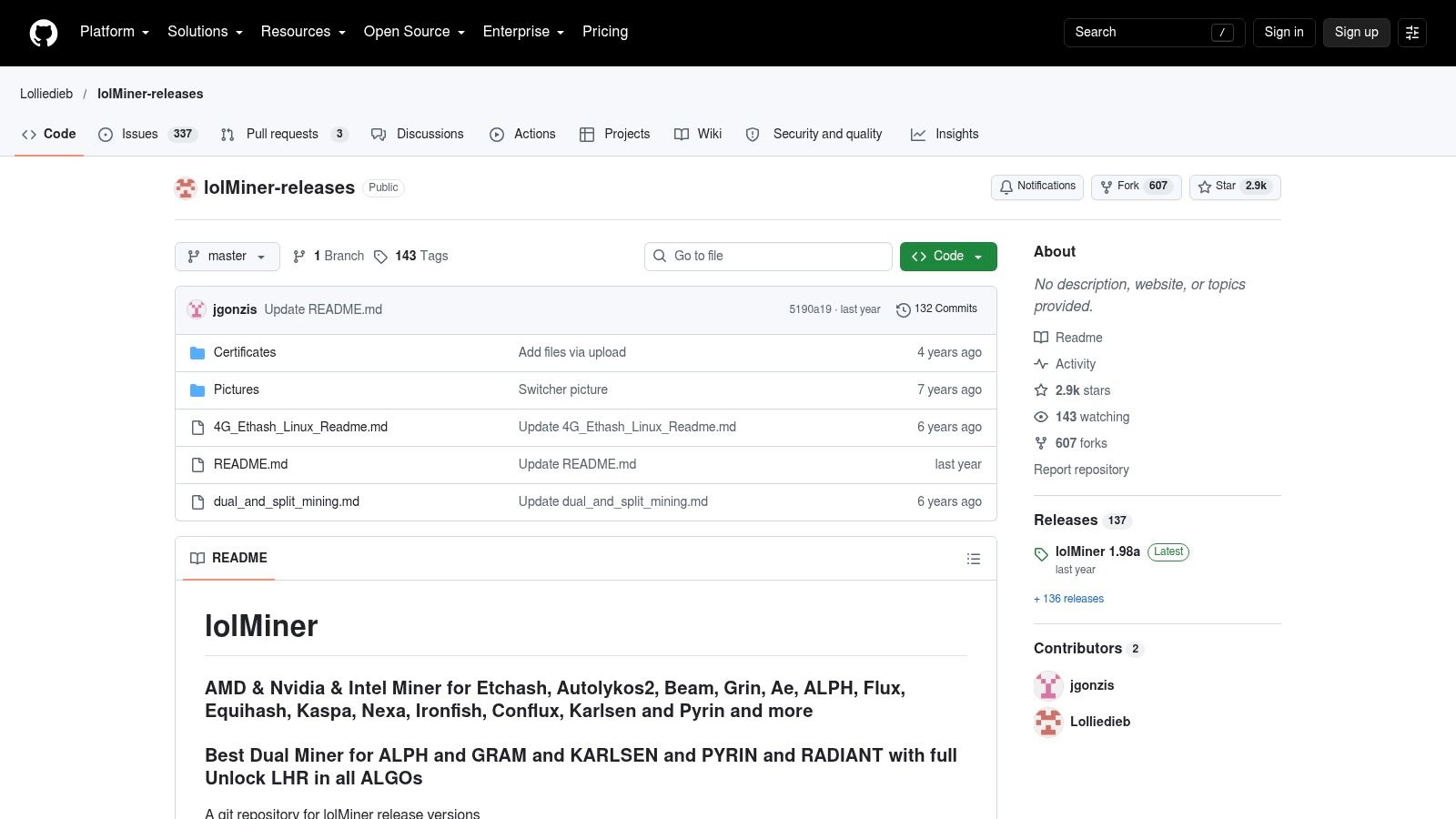
lolMiner is a GPU-focused option for Linux users comparing supported algorithms across AMD, NVIDIA, and Intel hardware. It also documents dual-mining support for some combinations. That feature is not a shortcut to better results: both algorithms need to be supported by the miner and compatible with the particular GPU and driver combination.
The project publishes Linux releases, algorithm-specific documentation, release notes, and a wiki. Before setup, identify your GPU model and Ubuntu driver, then check the documentation for the algorithm you intend to run. Don't take an old tutorial's command as proof that the current release still supports that combination. Pool setup remains specific to the coin and pool, so use the pool's current address, port, and worker format.
Check the algorithm notes before tuning
lolMiner's range of algorithms can be useful if you're testing options on GPU hardware, but it makes compatibility checks essential. Not every algorithm works with every GPU generation, and driver setup may take more Linux experience than the miner's launch command suggests. If the miner starts but performance is unexpectedly low, compare device detection, driver status, and configuration before concluding that the algorithm is unsuitable.
The project publishes developer-fee information by algorithm. Review the applicable notes for your selected mode instead of assuming one fee applies across the software. For a clean comparison, change one variable at a time: keep the pool and configuration consistent while checking the supported algorithm, driver, and GPU behavior.
4. T-Rex Miner
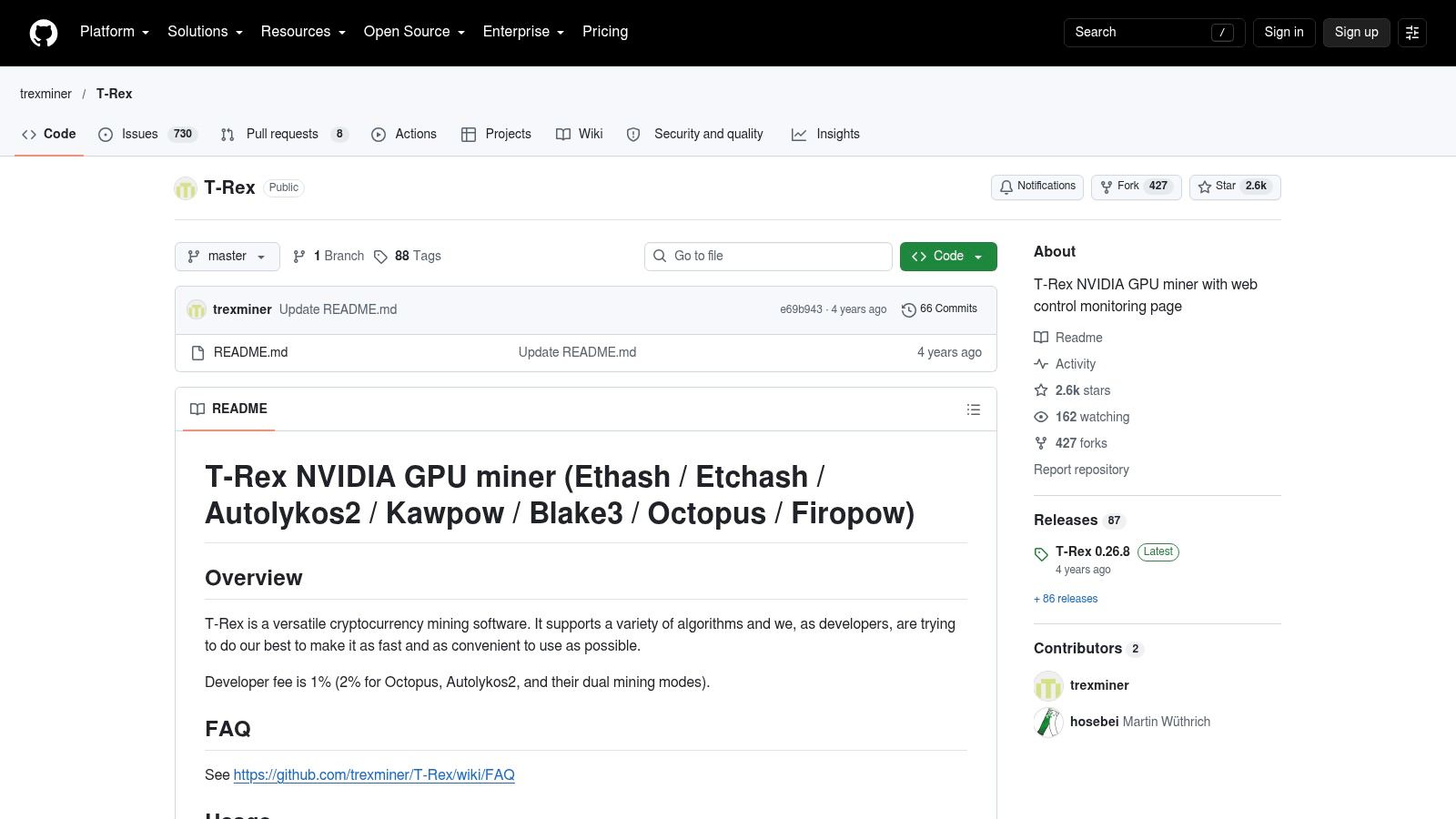
T-Rex Miner is a Linux option for NVIDIA GPU mining, not a universal miner for every Ubuntu rig. Its configuration-file setup, HTTP API, and watchdog make it worth considering when you want monitoring and a restart mechanism alongside a focused NVIDIA workflow. The watchdog can help recover from a miner that hangs or stops, but it won't diagnose a bad driver or an unsupported algorithm.
Start by checking the current release documentation against your NVIDIA card, driver, and intended algorithm. Then use the miner's configuration-file approach to set the pool connection and wallet or worker identifier in the format the pool requires. Confirm the miner can see the GPU and establish a pool connection before enabling automatic restarts. Otherwise, a watchdog may just restart the same failing configuration repeatedly.
Keep the scope clear
T-Rex's narrow NVIDIA focus is an advantage if that's your hardware, and a reason to choose something else if you're setting up AMD cards or CPU-only mining. Its HTTP API is useful for monitoring, while the watchdog can reduce manual recovery work. Neither feature removes the need to review logs when the miner repeatedly exits or reports device problems.
Command-line setup also assumes you can edit configuration files and interpret basic output. Check the current algorithm documentation and applicable developer-fee details before committing a rig to this miner. An older guide may be describing a release or algorithm combination that no longer matches your setup.
5. SRBMiner-MULTI
SRBMiner-MULTI offers Linux releases for users who want to work with multiple algorithms and hardware configurations without switching between miners every time they test a supported option. That flexibility can be handy for an experienced operator. It also means you need to verify the exact hardware and algorithm against the current project release notes, rather than relying on a broad compatibility label.
Pool setup follows the familiar pattern: select the supported algorithm, use the pool's current connection details, and set the wallet or worker identifier as the pool expects. Configure one device first and check that the miner identifies it correctly. If you're following an old tutorial, compare its launch options with current documentation; mining instructions can age out as algorithms, dependencies, and hardware support change.
Useful flexibility, more settings
The multi-algorithm approach can reduce the need to maintain separate miner installations, but the number of options can create a learning curve. SRBMiner-MULTI is a better fit if you're willing to read the project's usage information and tune settings deliberately. It's less appealing if your priority is a minimal setup with little terminal work.
Ubuntu driver and device access still matter. A miner can't compensate for a GPU that the operating system doesn't expose correctly, and an algorithm listing doesn't promise that every card will perform well. Start from the official repository's release information, keep a copy of a known-good configuration, and avoid adding tuning flags until the basic pool connection is stable.
6. TeamRedMiner
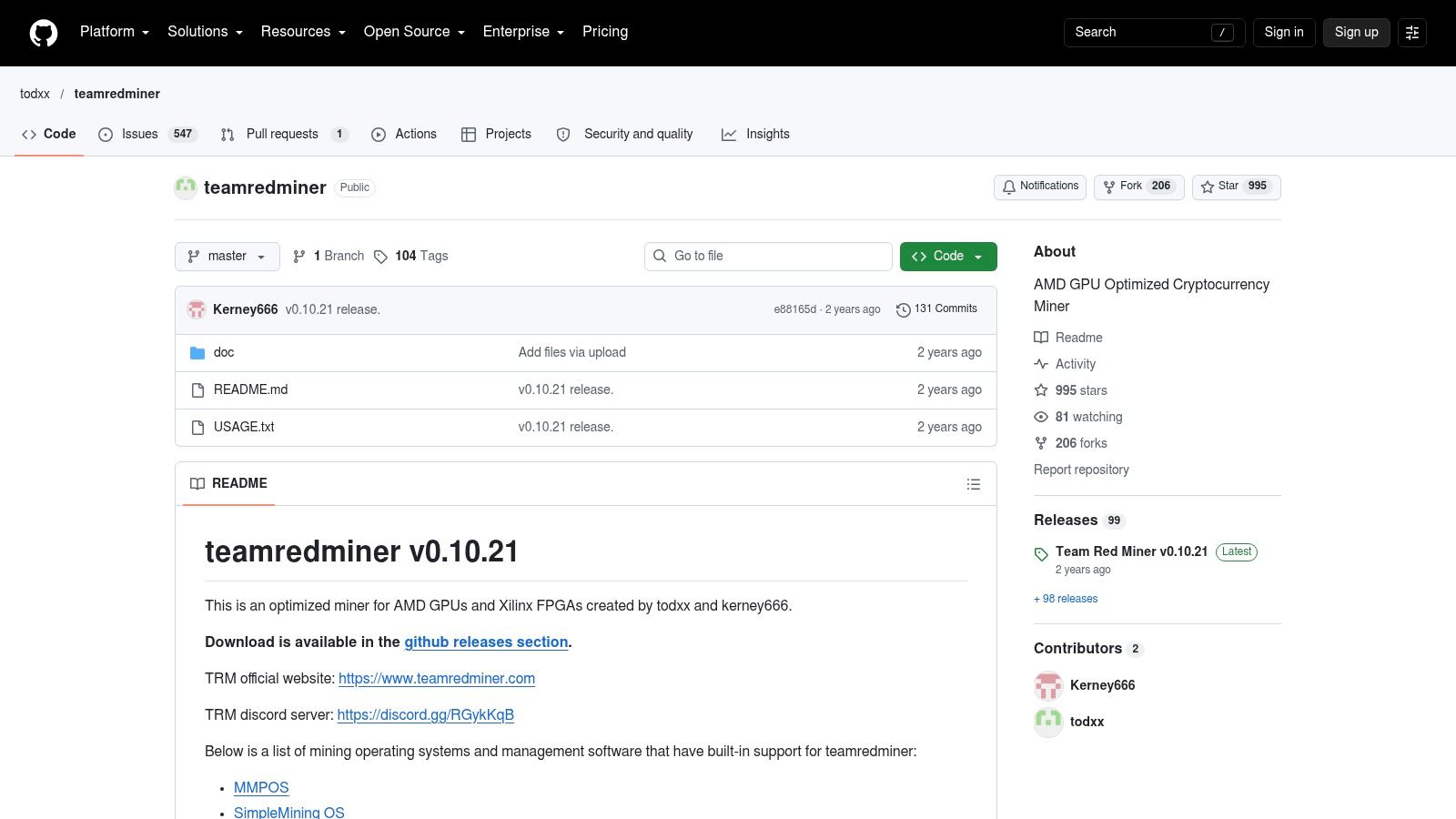
TeamRedMiner is an AMD-oriented GPU miner for Linux. Its usage information includes algorithm-specific notes on drivers, which makes it a targeted choice when you're setting up an AMD card and want documentation relevant to that hardware. It isn't a general-purpose option for NVIDIA or CPU-only mining.
Check the project's current Linux downloads and usage notes before installing. Match the algorithm's driver requirements to the driver installed on Ubuntu, then use the pool's current connection instructions. The miner also provides a read-only API for monitoring, and its documentation includes algorithm-specific developer-fee information. Those details are useful, but they don't remove the need to validate the card, driver, and pool combination yourself.
Driver fit comes first
TeamRedMiner's focused AMD support can make it easier to narrow your search than a miner that covers multiple vendors. The trade-off is that an algorithm may require a particular driver setup, and older instructions may describe outdated versions. If the miner fails to detect a device, check Ubuntu's driver and device status before editing pool options.
A read-only API can feed monitoring tools without making the miner itself your only source of status. Keep expectations practical: monitoring tells you what the software reports, while power, cooling, and stability still need attention at the machine. For a single AMD rig, that may be a sensible balance. For mixed-vendor hardware, compare a broader miner instead.
7. BFGMiner
BFGMiner is a modular, open-source command-line miner for ASIC and FPGA hardware, with Linux build instructions and device monitoring and control features. It also supports multiple pool connections and failover options. This is a tool for operators who know which device and protocol they need, not a beginner-friendly Ubuntu installer.
Expect a more involved setup than downloading a ready-to-run desktop application. Read the project's build and device documentation, confirm that your exact ASIC or FPGA is supported, and check the pool protocol before compiling or configuring the miner. If the hardware requires a specific connection method, verify that first; a successful build doesn't establish that the miner can communicate with the device.
Best for deliberate device control
BFGMiner's command-line controls can suit a technical operator managing compatible hardware and multiple pool connections. The same control is a drawback if you want a graphical interface or don't want to troubleshoot build and device issues. Start with one pool and one device, then add failover only after the basic connection works.
Don't assume a generic ASIC label guarantees compatibility. Confirm the exact model and protocol in the project's current materials, and keep a record of the build steps that worked on your Ubuntu installation. This is especially useful when recreating a setup after an operating-system or dependency change.
8. CGMiner
CGMiner is an open-source command-line project best known today as a miner for compatible ASIC and FPGA hardware. Its repository provides source code and documentation for Linux builds, pool configuration, and operational controls. It may suit an experienced SHA-256 operator, but check the current repository for your device rather than trusting an older guide's claims about GPU support.
Treat hardware compatibility as the first decision, not an installation detail. Confirm that the device is supported, follow the current Linux build instructions, and use the pool's own documentation to set its connection and worker format. CGMiner's multi-pool options can help operators configure more than one pool, but adding that complexity before a basic connection works makes troubleshooting harder.
Check current support, not old assumptions
Older mining tutorials can describe hardware modes or forks that don't match the current project. Verify the repository and release information you're using, then test detection and pool communication before leaving the miner running. If the device isn't listed or the software can't communicate with it, stop and resolve that mismatch instead of changing unrelated options.
CGMiner's command-line workflow is a reasonable fit for an operator who wants direct control over compatible hardware. It's not the easiest choice for someone seeking a guided Ubuntu setup. For SHA-256 mining, make sure the software and the actual ASIC work together; the algorithm alone doesn't establish device compatibility.
9. cpuminer-opt
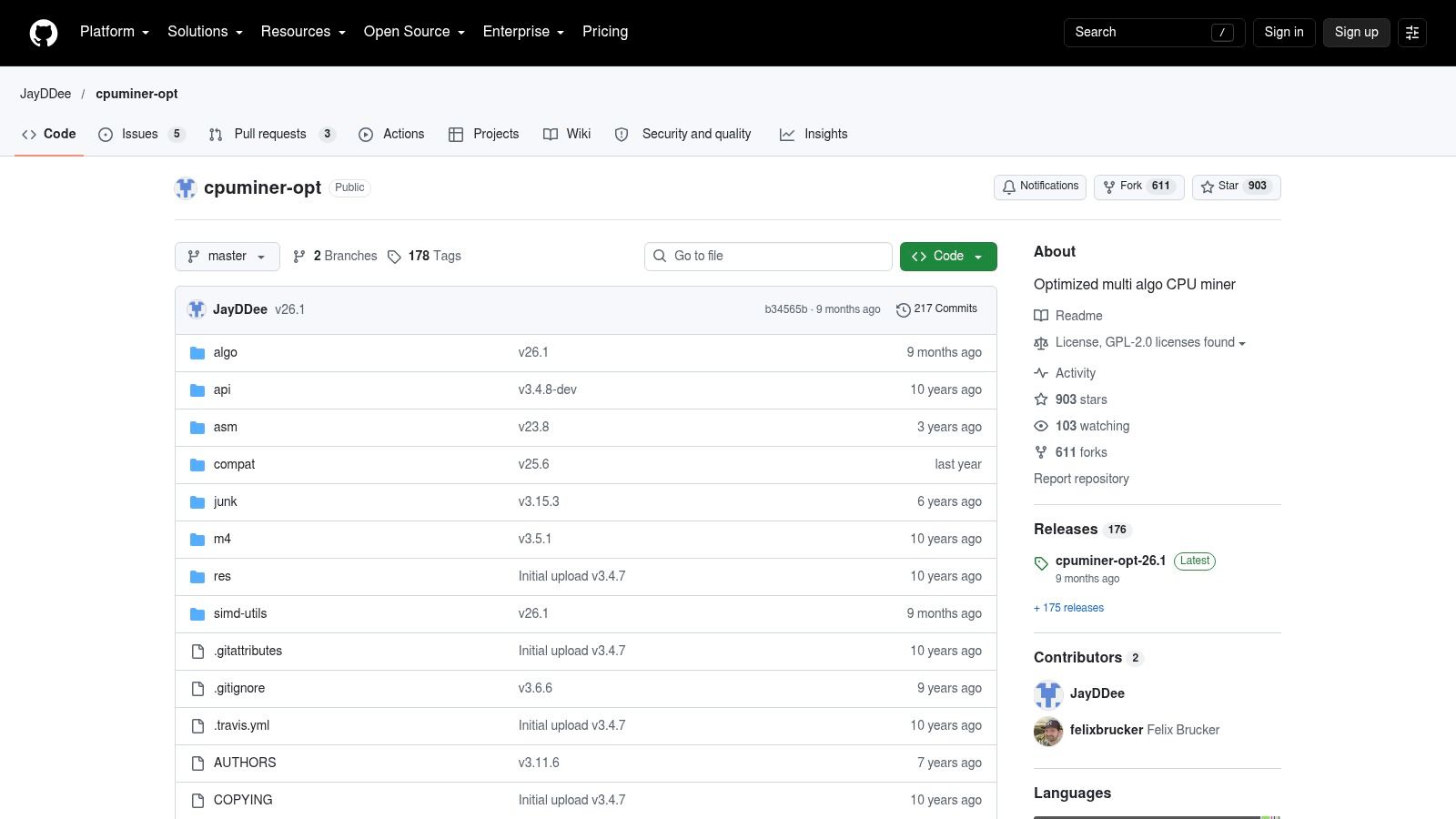
cpuminer-opt is a CPU-focused alternative for algorithms it supports. Its public GitHub repository includes source code, build materials, and usage information, while its command-line options can take advantage of supported CPU instruction sets. Check the project's current documentation for the exact algorithm and pool before building or installing it.
This miner makes sense when you want to compare CPU tools on a supported algorithm, not when you're looking for GPU or ASIC control. Begin with a build and launch method documented by the project, then configure the pool address and the wallet or worker string as required by that pool. Avoid unofficial repackaged binaries. Building from a trusted source gives you a clearer basis for checking what you're running.
Compare behavior, not just output
CPU performance depends on the processor, supported instructions, algorithm, and configuration. A miner that starts successfully may still be the wrong fit if the algorithm or pool isn't supported. Keep the test simple: verify the supported combination first, then monitor system responsiveness and power use while you compare it with another CPU miner.
For practical CPU tuning ideas outside the miner's own flags, see this guide to optimizing CPU performance. Keep power and cooling in view, especially on a desktop that's also used for other work. A high reported hashrate alone doesn't tell you whether the machine is comfortable to operate.
10. Awesome Miner Remote Agent
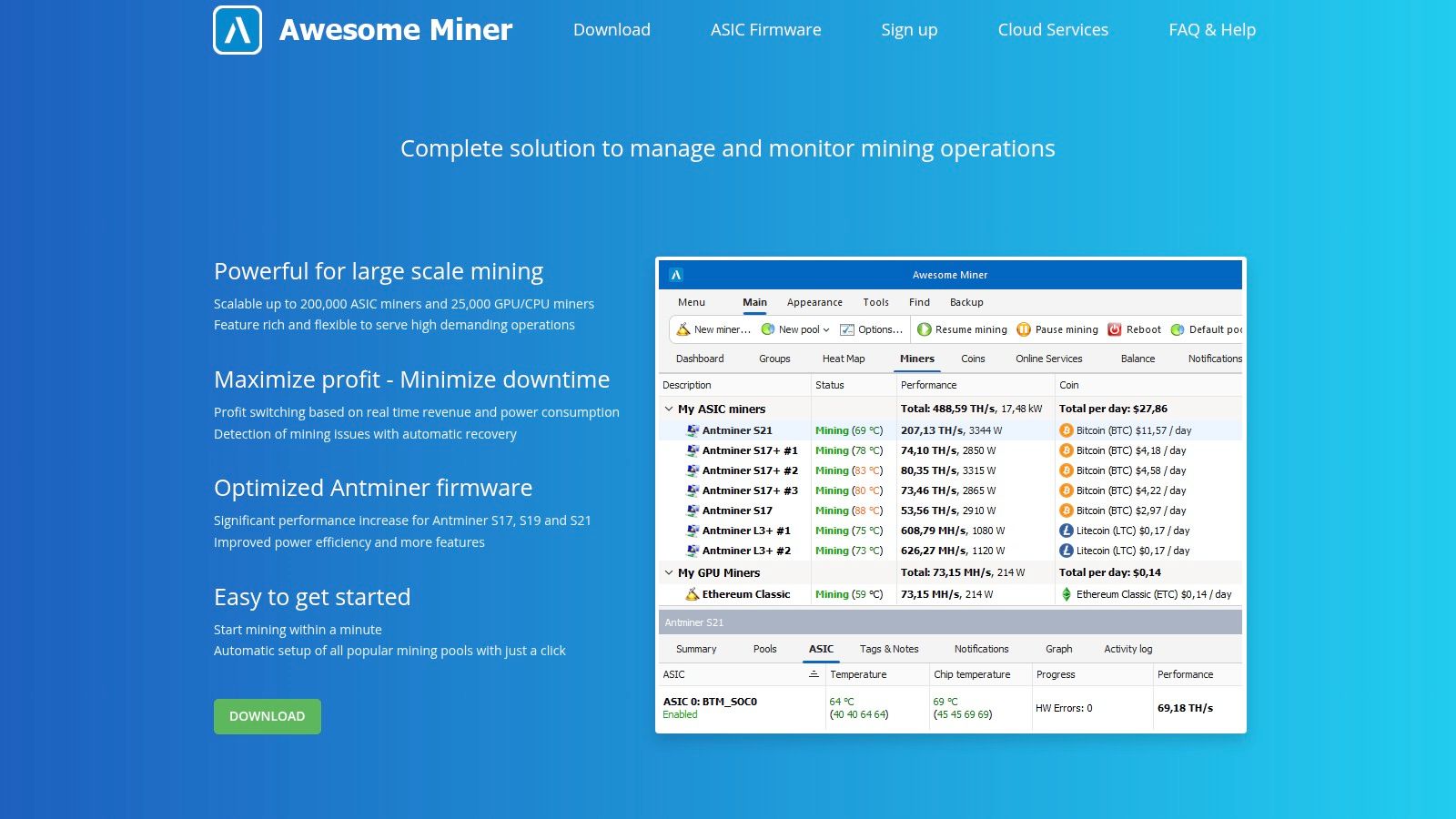
Awesome Miner is a management and monitoring product, not a standalone Ubuntu miner. Its Linux Remote Agent supports GPU and CPU mining workflows and remote ASIC proxy functions, while server components, notifications, and recovery rules help operators manage distributed setups. It's a more natural fit for someone coordinating existing miners than for a beginner who needs one simple Ubuntu client.
Treat the agent as a layer around your mining software. Confirm which miners and Linux functions you intend to manage, then check the current installation instructions and whether the relevant feature requires a particular component. The product offers a web interface and API features, but its full desktop interface requires Windows, and some monitoring or cloud features may depend on paid plans.
Management adds a security responsibility
Central monitoring can make it easier to spot a miner that has stopped or a rig that needs attention. It also means you should understand what the agent can access and how you've secured remote management. Run mining processes with appropriate permissions, protect credentials, and don't expose management interfaces to networks that don't need them. This Ubuntu mining security guide is useful context before you connect multiple machines.
For a single miner, a management layer may add more setup than value. For operators handling several rigs, monitoring and recovery rules can be more relevant than another standalone miner. Check feature availability and plan requirements before building your workflow around a particular dashboard function.
Mining Software for Ubuntu: Top 10 Comparison Matrix
| Miner | Hardware & standout features | 👥 Best suited for | Setup experience | Cascoin compatibility & value check |
|---|---|---|---|---|
| XMRig | CPU; optional AMD OpenCL and NVIDIA CUDA; API and pool failover | 👥 CPU miners and configurable setups | ★★☆ Command-line setup; detailed Ubuntu docs | ✨ Broad hardware support; verify Cascoin algorithm and pool. 💰 Default 1% developer donation is configurable |
| BzMiner | NVIDIA, AMD, Intel GPUs and CPUs; dashboard and multi-rig proxy | 👥 Mixed-hardware or multi-rig operators | ★★☆ Many settings; driver needs vary | ✨ Broad hardware coverage; confirm algorithm support and current fees |
| lolMiner | AMD, NVIDIA and Intel GPUs; some dual-mining combinations | 👥 GPU miners comparing supported algorithms | ★★☆ Linux tuning may require experience | ✨ Algorithm-specific docs and fee information; verify Cascoin support |
| T-Rex Miner | NVIDIA GPUs; HTTP API and watchdog | 👥 NVIDIA GPU operators | ★★☆ Config-file setup; some command-line familiarity helps | ✨ Monitoring and automatic restart; check Cascoin algorithm and current fees |
| SRBMiner-MULTI | CPU and GPU; multiple algorithms and pool options | 👥 Miners wanting one configurable tool | ★★☆ Flexible, but many options; verify current release notes | ✨ Multi-algorithm approach; confirm hardware, algorithm and fee details |
| TeamRedMiner | AMD GPUs; monitoring API and algorithm-specific notes | 👥 AMD GPU owners | ★★☆ Driver requirements can be specific | ✨ AMD-focused documentation; verify Cascoin algorithm and current release |
| BFGMiner | ASIC and FPGA; device controls and pool failover | 👥 Experienced ASIC/FPGA operators | ★☆☆ Build-from-source and command-line workflow | ✨ Detailed device control; confirm exact hardware, protocol and Cascoin algorithm |
| CGMiner | Compatible ASIC and FPGA hardware; multi-pool support | 👥 Experienced operators, especially compatible SHA-256 hardware | ★☆☆ Command-line and build documentation | ✨ Long-running open-source project; verify current device and algorithm support |
| cpuminer-opt | CPU; optimizations for supported instruction sets | 👥 CPU miners comparing supported algorithms | ★★☆ Command-line setup; check algorithm compatibility | ✨ CPU-focused alternative; confirm Cascoin algorithm and use trusted builds |
| Awesome Miner Remote Agent | Linux GPU/CPU agent, ASIC proxy, monitoring and recovery tools | 👥 Operators managing multiple rigs | ★★☆ Management setup; full desktop interface requires Windows | ✨ Centralized monitoring alongside other miners; some features may be paid; not a standalone miner |
Pick Your Miner and Start Efficiently
Match the software to the hardware first. CPU tools such as XMRig and cpuminer-opt suit supported CPU algorithms. GPU miners such as lolMiner, T-Rex Miner, and TeamRedMiner are choices to investigate only after checking the card, driver, and algorithm combination. ASIC operators should verify device support in BFGMiner or CGMiner's current documentation, especially for SHA-256 hardware. Awesome Miner Remote Agent is a management option when you already have miners to coordinate.
For a clean Ubuntu setup, choose an LTS release with a maintenance horizon that suits your operating schedule. Ubuntu 24.04 LTS receives five years of standard security maintenance through May 2029, with longer coverage available through Ubuntu Pro or its Legacy add-on, according to the Ubuntu release documentation. That support applies to the operating system, not to every miner or hardware driver, so check project releases separately.
Before scaling, test the complete route from device detection to pool connection. Confirm the miner recognizes the hardware, use the pool's current address and worker format, and check logs for rejected shares or connection errors. Then monitor temperature, power use, and stability over a representative operating period. Change one setting at a time so you can tell whether a driver, miner option, or pool configuration caused a difference.
Power efficiency isn't a property of the mining algorithm alone. Hardware, workload, cooling, and uptime all shape the system-level result. A low-power CPU setup, a tuned GPU rig, and a purpose-built ASIC solve different problems, so compare the setup you can operate rather than chasing a number without context.
For an alternative to conventional hash-race mining, Cascoin describes its open-source Labyrinth Mining approach as a lightweight simulation of mice navigating a maze to collect cheese. Its available options include MinotaurX for CPU mining and SHA-256 for ASIC operators; the project provides Linux-related mining instructions and wallet and pool information. Treat any project description as a starting point, not a promise of earnings. Test the software, confirm the pool details, and decide whether the power use and operation suit your machine.
Cascoin offers an open-source cryptocurrency with Labyrinth Mining, MinotaurX CPU mining, and SHA-256 options, alongside a public mining pool and Linux-related documentation. If you're comparing Ubuntu mining approaches, visit Cascoin to explore the project and its setup resources before testing a miner on your own hardware.