Mining Software Free Download: 10 Safe Picks 2026
You've searched for a mining software free download, clicked the first promising result, and now you're staring at a download button while your antivirus is already warning you. That moment is where most beginners get hurt. Legitimate miners get flagged because they use your hardware intensively, and real malware copies their names, icons, and download pages to steal the same hardware for someone else.
This list takes a different approach to a mining software free download. Every pick is checked for its official source, platform compatibility, verification options like checksums or public releases, and the install warnings you need before you run anything. Match the software to your CPU, GPU, or ASIC first, then worry about features and fees.
The risk isn't theoretical. A systematic review reports that more than 500 million computers were estimated to have been affected worldwide in 2017, and it cites a 2018 estimate that cryptomining malware affected 42% of organizations globally in the systematic review of cryptomining-malware research. Those numbers describe unauthorized mining, not software you install on purpose, but they explain why you should never grab a miner from an ad, a mirror, or a random forum upload.
Practical rule: If you can't trace a download back to the project's official site or public release page, don't run it, even if the filename looks right.
Table of Contents
- 1. Cascoin
- 2. XMRig
- 3. lolMiner
- 4. GMiner
- 5. T-Rex Miner
- 6. TeamRedMiner
- 7. SRBMiner-MULTI
- 8. NiceHash Miner
- 9. Braiins OS
- 10. BFGMiner
- Top 10 Free Mining Software Comparison Matrix
- Download Safely and Start Mining Smart
1. Cascoin
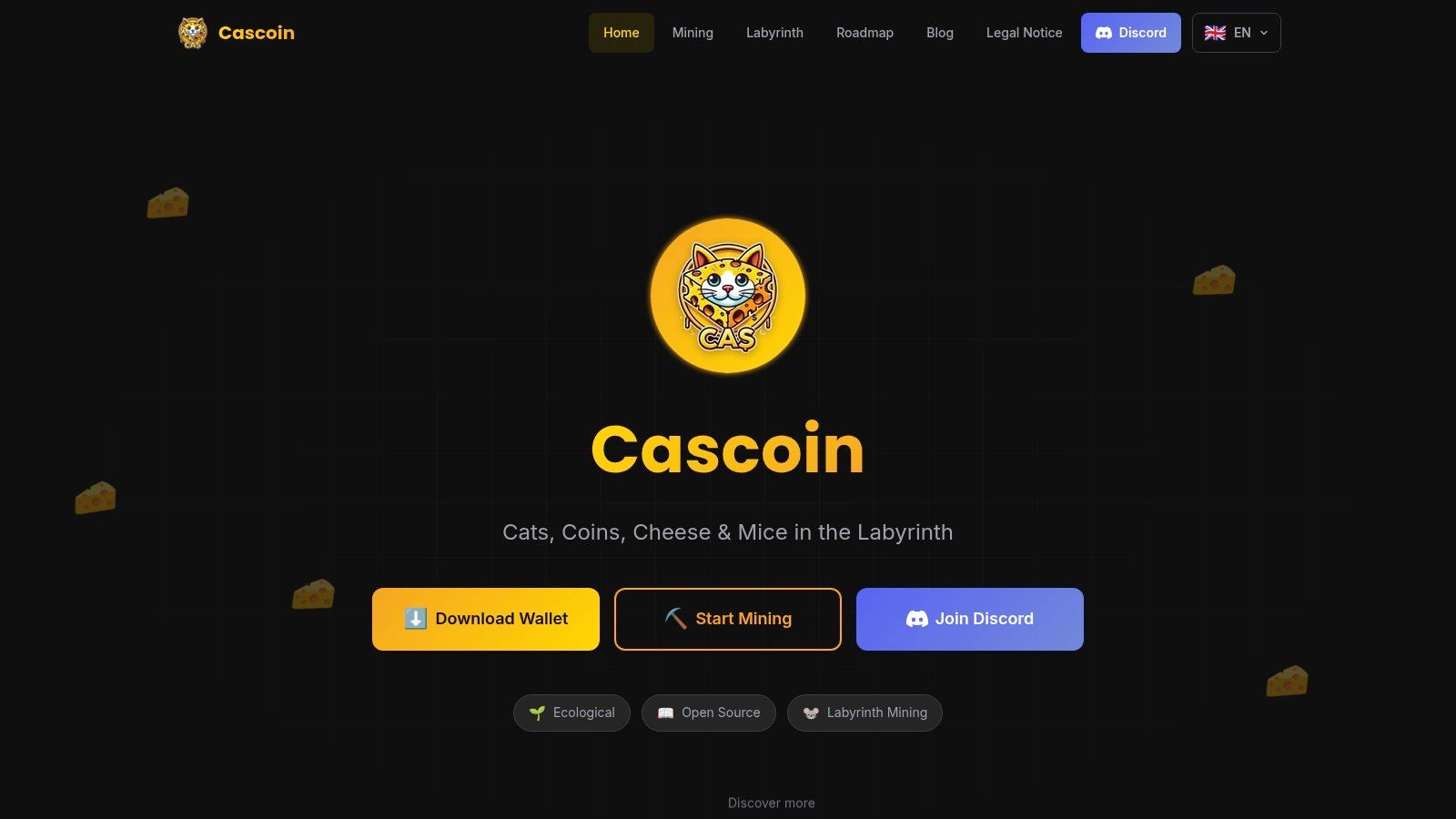
If you're testing mining on a regular computer, Cascoin offers an alternative to a GPU hash race. Its Labyrinth Mining client simulates mice moving through a maze to collect cheese. The project describes this approach as ecological and advertises rewards of up to 3x those of traditional mining. Treat that figure as a project claim, not an independently established result: rewards and energy use depend on actual operating conditions.
Cascoin also supports MinotaurX for CPU participation and SHA-256 for ASIC hardware. That gives beginners a way to try mining without first buying a GPU rig, while ASIC operators can use a familiar algorithm. Check that the software version and setup instructions match your operating system and hardware before running it.
Why the download setup inspires more confidence
The project's code is publicly available under the MIT License, and blockchain activity can be checked through the Casplorer explorer. The project also provides downloadable wallets, documentation, a public mining pool, and a Discord community. These resources can help you configure a worker and check whether activity appears for your wallet.
Use the project's official site as your starting point for downloads, and read the setup documentation before connecting to a pool. Public code and an explorer give you ways to inspect the project, but they do not verify a downloaded file's integrity. If a release includes a checksum, compare it before installation. Start with one device and monitor its temperature, rejected shares, and wallet activity.
- Labyrinth Mining: A maze-based approach intended to make participation more engaging, with potential energy-efficiency benefits that should be verified in practice.
- Three mining options: Labyrinth for lightweight use, MinotaurX for CPUs, and SHA-256 for ASIC operators.
- Open-source checks: MIT-licensed code and a public block explorer allow independent inspection.
- Getting started support: Wallets, documentation, a public pool, and Discord provide setup resources and community help.
There are trade-offs. Cascoin is stewarded by a solo developer who welcomes community contributions, and no pricing information, independent testimonials, awards, or certifications were provided. Cryptocurrency prices are volatile, so mining rewards should not be treated as a return promise or investment advice. Cascoin may suit someone seeking a low-power, community-driven project with code and blockchain activity to inspect. Operators who need a larger, battle-tested ecosystem or independent reviews should compare those limitations against established tools.
2. XMRig
A pool address has one wrong character, and your miner may run without sending valid shares. XMRig gives CPU miners direct control over pool settings, failover servers, and performance tuning, but its command-line setup rewards careful configuration. It is free and open source, supports RandomX and other compatible algorithms, and runs on Windows, Linux, macOS, and FreeBSD. GPU mining is also available with optional NVIDIA CUDA support.
Get the software from the official XMRig site, then compare its published download checksums before extracting or running it. Unauthorized miners have used similar software, so security tools may flag a clean copy. A warning alone does not prove malware, and it is not a reason to whitelist an unverified file.
Safe setup checklist for XMRig
- Verify first: Match the download checksum against the value on the official page.
- Configure deliberately: Enter your pool, wallet address, and failover server, then check the wallet address character by character.
- Test small: Start on one machine, monitor temperatures and accepted shares, and confirm the pool lists your worker.
XMRig has no guided installer to catch configuration mistakes, and it only mines compatible algorithms, not every coin. For a beginner-friendly comparison before choosing a command-line miner, consult the best mining programs. If you are comfortable editing configuration files, its open code, platform support, and verifiable downloads make it a practical CPU-mining option.
3. lolMiner
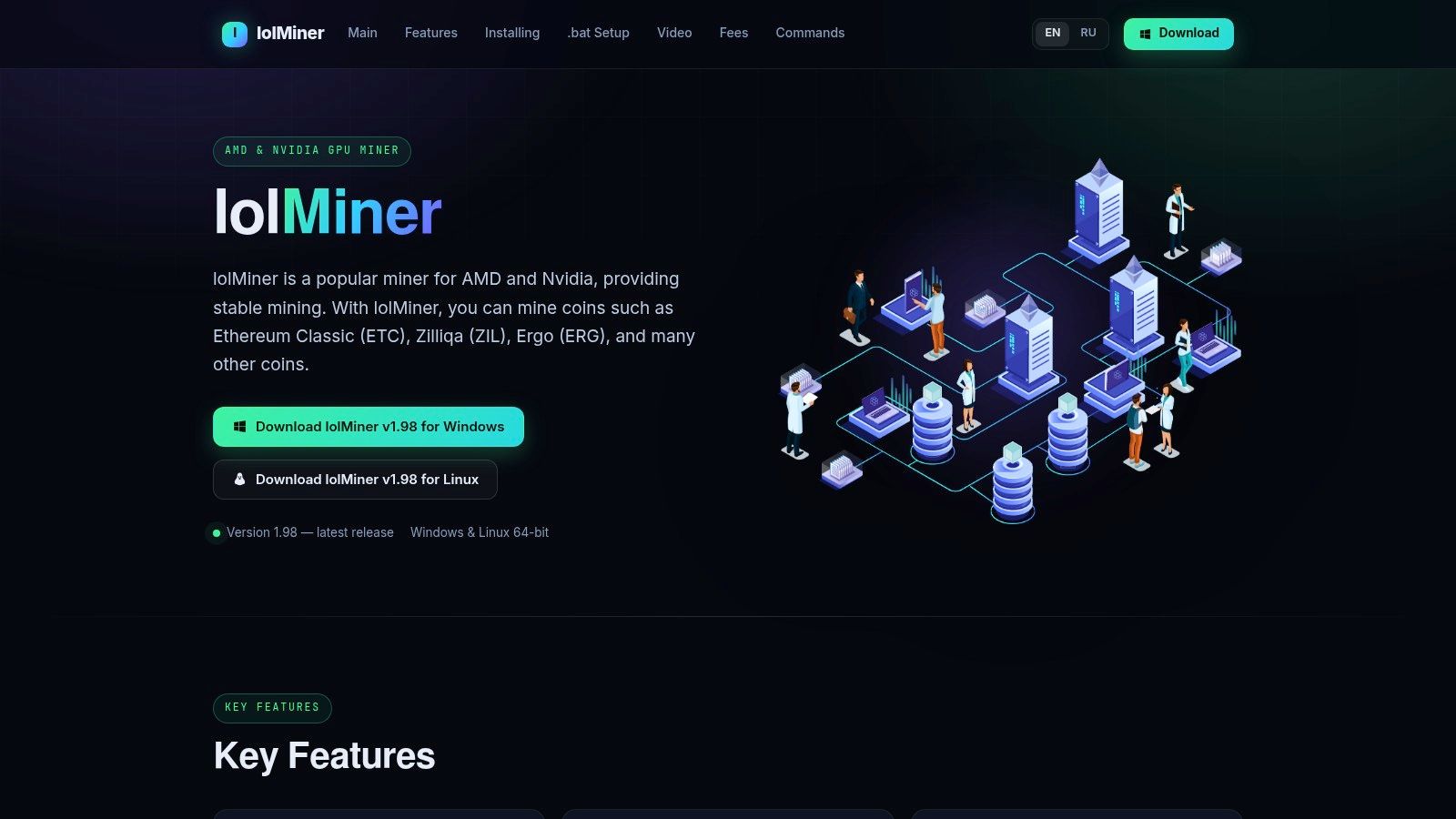
lolMiner is a free-to-download GPU miner for Windows and Linux, covering both AMD and NVIDIA cards across multiple supported algorithms. That broad hardware coverage is its main appeal if you run a mixed rig or you're not sure which algorithm you'll settle on. You configure it from the command line, and certain algorithms offer dual-mining options.
Don't download the newest build blindly. The project's release notes describe hardware support and performance changes by version, and support can shift between releases. Check your exact GPU model and algorithm against the current notes, because a build that works for one card generation doesn't guarantee clean results on another.
Cost is the other detail to confirm before you commit. The download itself is free, but some modes carry developer fees, which reduce your effective earnings. Read the fee note for your chosen algorithm so your pool dashboard doesn't confuse you later.
For experienced GPU miners, the combination of broad card coverage, public release history, and tuning information makes lolMiner easy to evaluate. For beginners, it's less forgiving. There's no graphical setup to catch a mistyped pool address, and you need to understand clocks, power limits, and rejected shares yourself. Start with conservative settings, mine to a pool you can monitor, and change one variable at a time so you know what helped.
4. GMiner
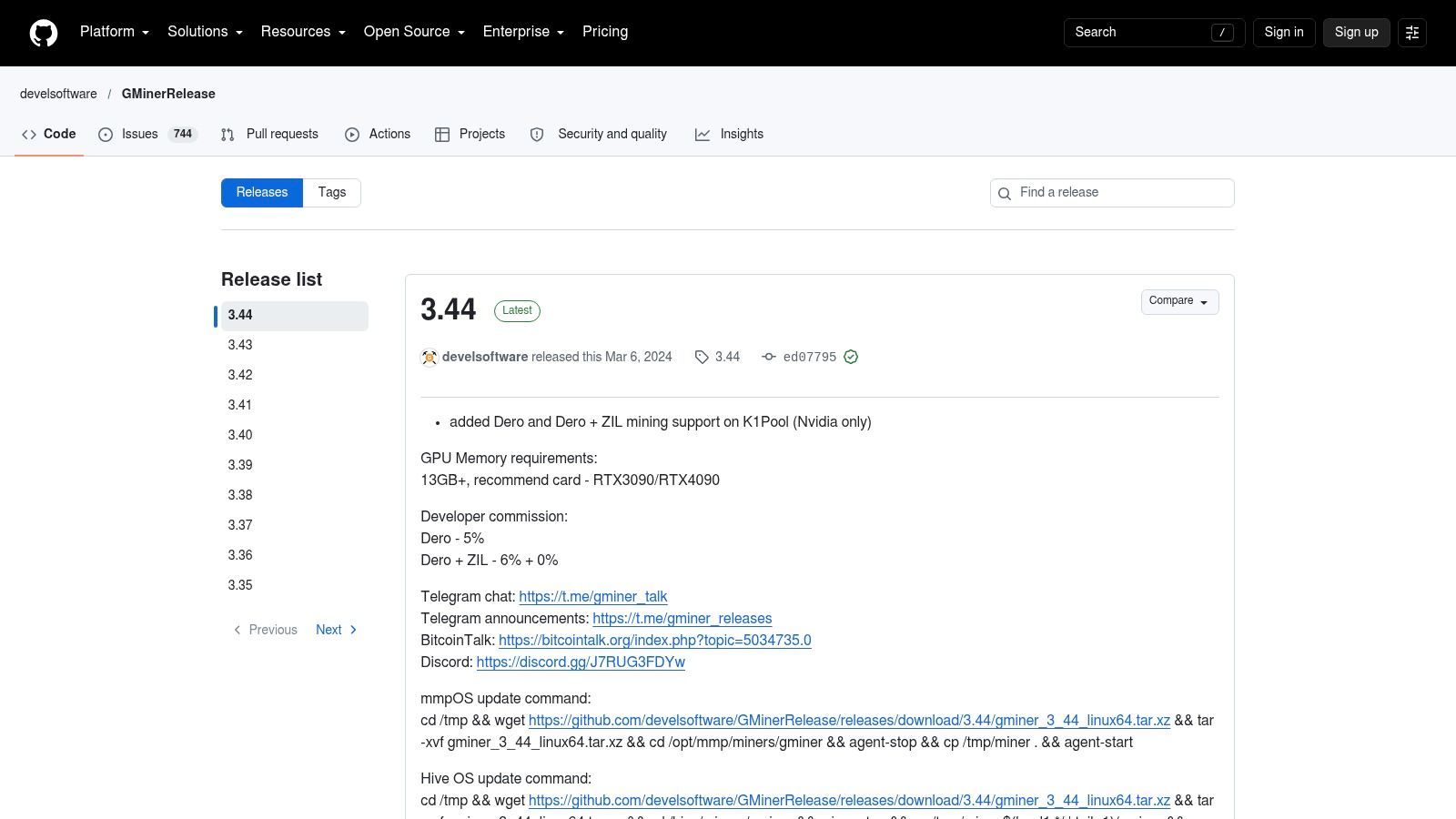
GMiner is distributed through its public release repository, which gives you a clear, traceable place to get Windows and Linux archives. It supports multiple GPU algorithms and some dual-mining combinations, so it's practical if you want to test different coins on the same hardware without learning a new tool each time. No paid software license is required to download it.
That public release history is also your safety check. Stick to the official repository, read the release notes covering algorithms and hardware-related changes, and ignore repacked versions from download portals. Miners are easy to repackage with a different wallet address buried in a startup script, and you won't spot that if you launch a pre-configured bundle from a stranger.
What to confirm before you launch
You select a compatible algorithm, configure a pool, and launch the miner yourself. That manual setup gives you control, but it also means a typo in your wallet address or pool URL sends your work nowhere useful. Check the current release for hardware compatibility, and check whether a developer fee applies to your mode.
GMiner suits GPU miners who already understand batch files or shell scripts and want a competitive, multi-algorithm option. It isn't a learning tool for your first hour of mining. If you test it, run one GPU first, confirm accepted shares on the pool, and only then scale to the full rig.
5. T-Rex Miner
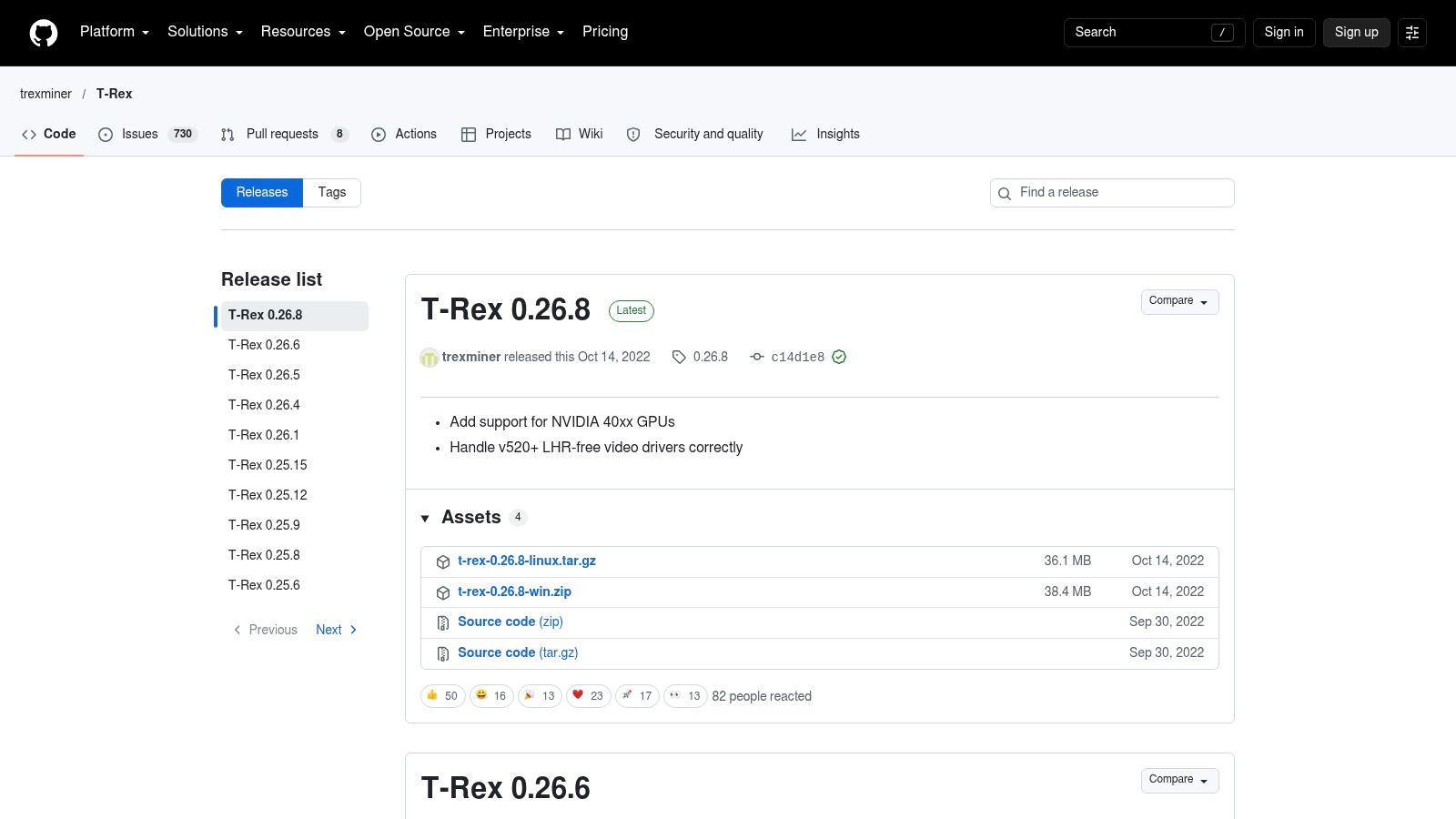
T-Rex Miner does one thing on purpose. It's a free-to-download GPU miner focused on NVIDIA cards, with Windows and Linux release packages on GitHub. If your rig is all NVIDIA, that focus is an advantage, because the documentation, troubleshooting guidance, and configuration controls assume your hardware from the start.
You still need to do the setup work. Pool configuration and mining controls are handled from the command line, so you'll write or edit launch parameters yourself. That's manageable once you've done it once, but it's a learning curve if you've only used graphical apps.
Download T-Rex only from its official GitHub releases, and treat any pre-configured download with someone else's settings as untrusted until you've inspected every line.
Before you pick a mode, read the project's fee documentation. Developer fees apply and vary by mode, so the algorithm that looks most profitable on a calculator may not be after fees and power are counted. Also confirm current compatibility for your driver and card, because GPU miners and drivers don't always age well together.
The limitation is obvious. T-Rex isn't suited to AMD-only systems, and it won't help CPU or ASIC miners at all. For NVIDIA owners who want purpose-built controls and an official release channel they can verify, it's a clean, focused choice that rewards careful configuration.
6. TeamRedMiner
AMD owners get their own specialist in TeamRedMiner. It's built for AMD GPU mining, with public releases on the project's GitHub repository and algorithm-specific modes. That specialization matters, because AMD cards often need different tuning assumptions than NVIDIA hardware, and generic advice can leave you with unstable clocks or excess heat.
The documentation is a genuine strength. Usage material and hardware-specific guidance help you check whether your card and algorithm combination is supported before you spend an evening troubleshooting. Read those notes first, because some algorithms or hardware have limited support or specific requirements that aren't obvious from the download page alone.
- Purpose-built for AMD: Algorithm modes and guidance are aimed at AMD GPUs rather than adapted as an afterthought.
- Direct release channel: Public releases give you one official place to download and check changes.
- Detailed usage docs: Hardware support information reduces guesswork during setup.
The trade-offs mirror T-Rex in reverse. TeamRedMiner isn't intended for NVIDIA-only rigs, and configuration is largely command-line based. You'll need to set pools, wallets, and tuning parameters yourself and verify accepted shares on the pool side.
If you run AMD cards and you're willing to work through the documentation, this is the natural first stop. Download from the official channel, start with the documented settings for your card, and tune slowly. Chasing hashrate before you have stable temperatures is how a working rig becomes a crashing one.
7. SRBMiner-MULTI
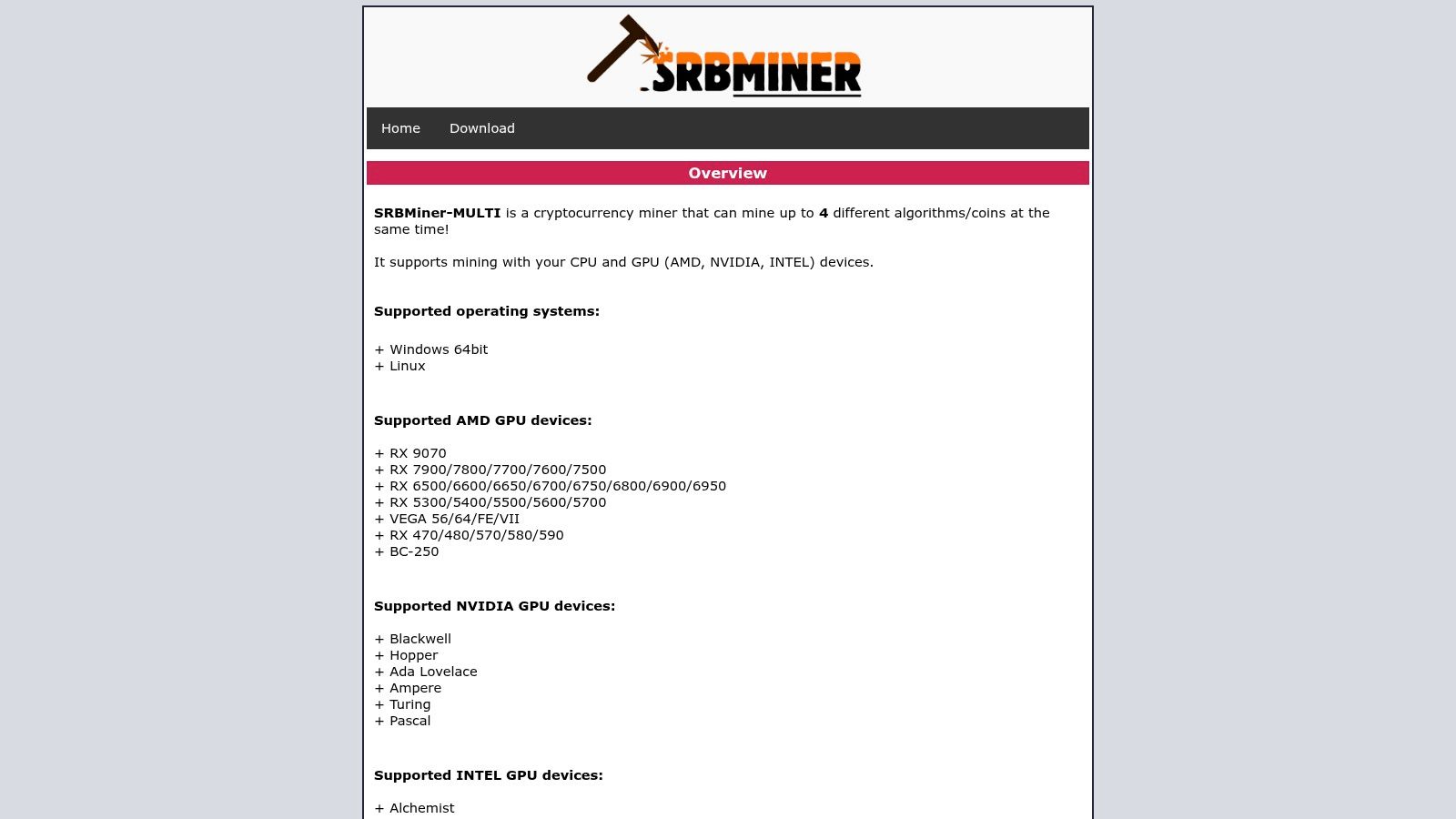
Flexibility is the reason to look at SRBMiner-MULTI. It handles CPU and GPU mining across multiple algorithms, with Windows and Linux releases and some multi-algorithm or multi-coin setup options. If you like comparing supported algorithms on the same hardware, that breadth saves you from maintaining three different miners.
Breadth creates complexity, though. Support varies by device and algorithm, and a combination that works well on one setup may be mediocre on another. The release notes and parameter documentation are essential reading, not optional extras. Check them for your exact hardware before you assume a mode is available or worthwhile.
Making the flexibility manageable
Pick one algorithm and one device type for your first run. Confirm the pool sees your worker and shares are accepted, then consider simultaneous modes. Trying to dual-mine on your first launch makes it almost impossible to tell which setting caused a problem.
You should also factor in cost. Some modes have developer fees, so compare net results after fees, not headline hashrate. Setup is more involved than a one-click app, and beginners may find the parameter list overwhelming.
For miners who enjoy testing and tuning, SRBMiner-MULTI is one of the most versatile free downloads here. For anyone who wants to press start and walk away, its flexibility becomes friction. Download only from the official site, keep your configs backed up, and document what you changed.
8. NiceHash Miner
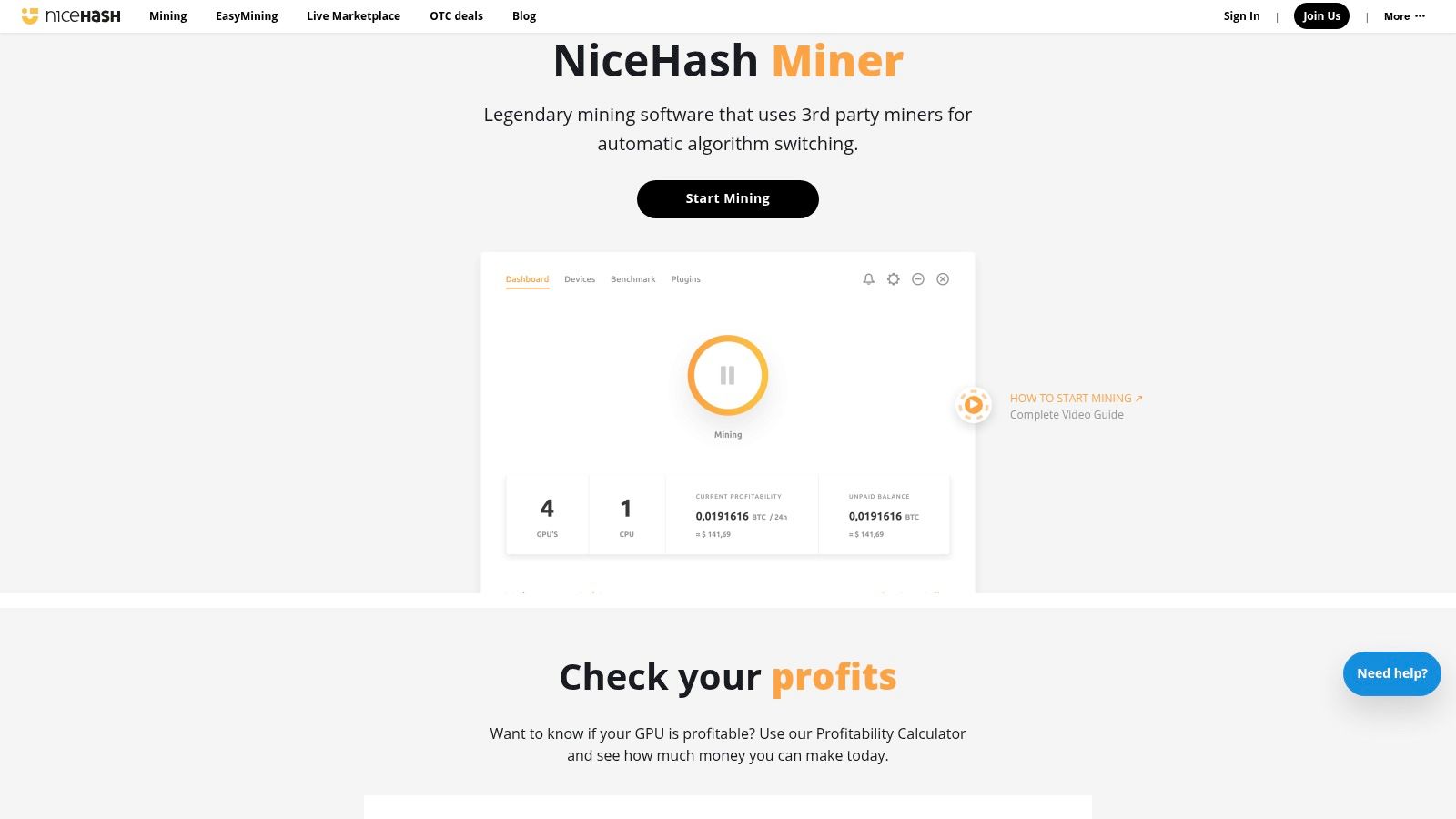
A Windows PC with a supported CPU or GPU can be mining without manually editing configuration files: NiceHash Miner detects hardware, benchmarks supported algorithms, and can switch between them automatically. Its dashboard displays device status, temperatures, and activity. That convenience makes setup easier, though you still need to check that the detected devices and benchmark results match your system.
NiceHash connects your computing power to its marketplace. Payment is in Bitcoin through the platform, rather than necessarily in the coin being mined. The application is free to download, but using it requires a NiceHash account and platform connection. You also mine under the platform's terms, rather than sending your work directly to a wallet for a coin you selected.
Check the download before installing. Get the application from the official NiceHash Miner page, and review any available checksum or release information to confirm the file. NiceHash Miner uses third-party miner components, and the company says it cannot guarantee the full code of those components. Antivirus warnings can occur, but don't disable protection or whitelist everything automatically. Investigate the specific warning and component first.
For a first-time miner, the trade-off is straightforward: NiceHash lowers the setup barrier, while limiting direct coin choice and some transparency. Its automatic benchmarks can help you learn how your hardware performs under load, but check temperatures and stability rather than leaving a new setup unattended. Compare the trade-offs with beginner-focused mining software guidance before choosing.
9. Braiins OS
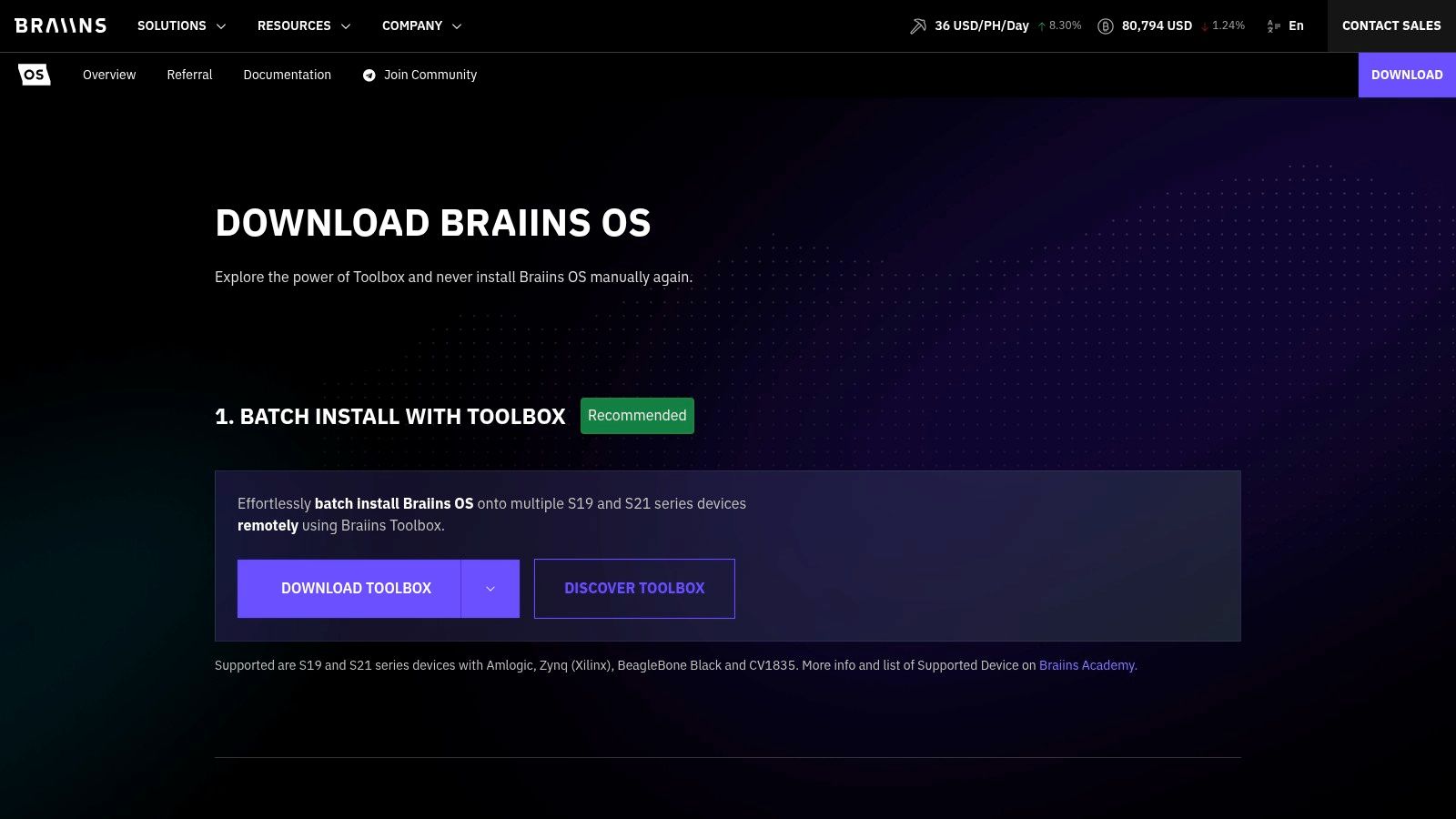
Braiins OS isn't a desktop app at all. It's firmware for supported Bitcoin ASIC miners, including selected Antminer S19 and S21 models. If you mine on a laptop or gaming PC, skip it. If you operate ASICs and want device-level controls and tuning, it's the specialist option on this list.
Installation reflects that seriousness. Depending on your device, you may use Braiins Toolbox or SD-card workflows, and a mistake during a firmware change carries more risk than deleting a misconfigured desktop miner. Read the release notes for supported hardware and changes, confirm your exact model, and review current product terms before deployment.
Why efficiency data matters at ASIC scale
At ASIC scale, small efficiency gaps become real money. Congressional Research Service data lists the Antminer S19 XP Hyd at 255 TH/s and 5,304 W, while the MicroBT Whatsminer M50S delivers 126 TH/s at 3,276 W according to Congressional Research Service data on mining hardware. Firmware tuning only helps if you measure hashrate, wattage, temperature, and uptime before and after you change settings.
Braiins OS integrates with the Braiins mining ecosystem, and some benefits depend on using Braiins services. That's fine if you're already aligned with that ecosystem, less appealing if you want fully independent operation. For supported hardware and careful operators, published firmware releases and management tools make it a credible upgrade path.
10. BFGMiner
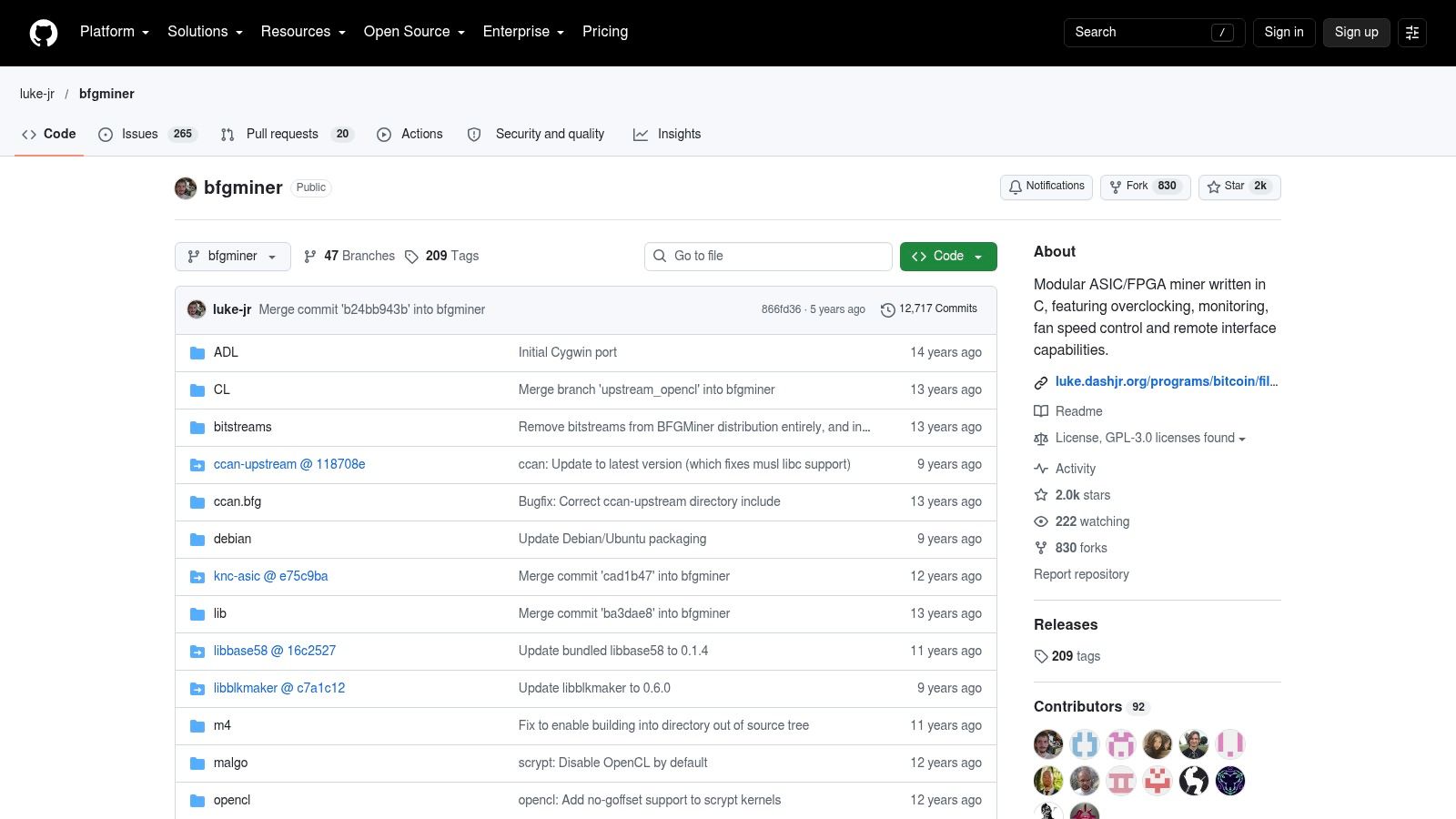
BFGMiner is a free, open-source modular miner for selected ASIC and FPGA hardware, with additional device modes. Its command-line controls include multiple-pool configurations, failover, device monitoring, and fan-speed or clock adjustments where supported. Check compatibility against your exact hardware before configuring it.
The project's source code is available under GPLv3, and build instructions let users compile the software instead of relying on a prebuilt binary. That offers a way to inspect the code, though compiling and configuring BFGMiner require more technical effort. For context on licensing and evaluating code access, see this guide to open-source mining software.
Beginners may find setup and device support difficult to manage. Download only from the project's trusted sources, verify the files where checksums are provided, and keep antivirus protection enabled. Mining binaries can trigger warnings, but a warning is not a reason to disable protection or run an unverified file.
BFGMiner fits operators who already use supported ASIC or FPGA equipment and want detailed command-line control. It is a poor match for graphical setup or mainstream GPU mining. Back up a working configuration before changing settings; that gives you a known-good file to restore if a new setup causes problems.
Top 10 Free Mining Software Comparison Matrix
Choose a miner by matching its supported hardware and setup demands to your rig. The matrix also distinguishes documented features from costs or compatibility details you should confirm before installing. A public release page is a starting point, not proof that a downloaded file is safe: use the project's official source, check published checksums when available, and avoid repackaged installers.
| Miner | Mining approach & hardware | Setup / experience | Transparency & standout features | Cost / caveats | Best for |
|---|---|---|---|---|---|
| 🏆 Cascoin | Labyrinth Mining, CPU-friendly MinotaurX, or SHA-256 ASIC mining | ★ Wallets, documentation, and a public pool support setup | ✨ MIT-licensed code, Casplorer, and maze-based mining | 💰 No software price stated; “up to 3×” rewards and energy savings are unverified and not guaranteed | 👥 Miners and builders interested in a community-driven network |
| XMRig | CPU/GPU mining for supported algorithms, including RandomX | Command-line setup; supports several operating systems | ★ Open source, with published download checksums | 💰 Free; confirm algorithm and hardware compatibility | 👥 Technically comfortable CPU/GPU miners |
| lolMiner | AMD and NVIDIA GPUs across supported algorithms | Command-line configuration; Windows and Linux | ✨ Release notes document changes and hardware support | 💰 Free to download; fees apply in some modes | 👥 GPU miners who check release compatibility |
| GMiner | GPU mining across multiple algorithms; some dual-mining | Manual command-line and pool configuration | ★ Public releases and change history | 💰 No paid license required; fees apply in some modes | 👥 Experienced GPU miners |
| T-Rex Miner | NVIDIA GPU mining | Command-line pool setup; Windows and Linux | ✨ Project documentation covers fees and troubleshooting | 💰 Free to download; developer fees vary by mode | 👥 NVIDIA GPU operators |
| TeamRedMiner | AMD GPU mining with algorithm-specific modes | Command-line setup; consult device and algorithm documentation | ★ Public releases and usage information | 💰 Check current hardware and algorithm support | 👥 AMD GPU operators |
| SRBMiner-MULTI | CPU/GPU mining across multiple algorithms | Flexible, more involved configuration | ✨ Release notes and parameter documentation | 💰 Free to download; fees apply in some modes | 👥 Miners seeking hardware and algorithm flexibility |
| NiceHash Miner | CPU/GPU marketplace mining with algorithm switching | ★ Windows interface with detection and benchmarking | ✨ Pays in Bitcoin through NiceHash, not necessarily the mined coin | 💰 Free software; requires an account and platform connection | 👥 Beginners seeking a guided mining interface |
| Braiins OS | Firmware for selected Bitcoin ASIC models | Device-specific installation and management | ✨ ASIC tuning tools and Braiins ecosystem integration | 💰 Review current product terms; limited to supported hardware | 👥 Operators of compatible Antminer models |
| BFGMiner | Selected ASIC/FPGA devices and other supported hardware | Advanced command-line controls and monitoring | ★ GPLv3 open source; supports multiple pools | 💰 Free; device-specific compatibility and setup complexity | 👥 Experienced ASIC/FPGA operators |
Before running an installer or archive, confirm that the release matches your operating system and hardware. Verify its checksum against the value published by the project when one is available. If the project does not provide a checksum, download only from its official release channel and treat antivirus warnings as a reason to investigate, not to disable protection. These checks reduce the risk of installing a tampered file; they do not guarantee that a miner will work with your rig.
Download Safely and Start Mining Smart
A miner that launches successfully can still be the wrong fit, or a disguised malware file. Match software to your hardware first. CPU miners can consider XMRig or Cascoin with MinotaurX. For GPU miners, choose by card brand and algorithm: lolMiner and SRBMiner-MULTI offer flexibility, T-Rex supports NVIDIA cards, and TeamRedMiner targets AMD cards. ASIC operators should check whether their specific model is supported by Braiins OS or BFGMiner, or consider Cascoin for SHA-256.
Then verify the download. Use official sites and public release pages only, not search ads, repacked bundles, or video description links. Check published checksums or signed releases where available, and confirm the release supports your operating system and hardware before installing. Read what the program runs and connects to, and review its permissions. Earlier examples show why a familiar project name on a hostile download page is not proof that a file is safe.
Install warning: If antivirus software flags a miner, do not whitelist its entire folder automatically. Verify the file first. If you decide to proceed, whitelist only the verified executable, and remove the exception when you stop mining.
“Free” describes the download, not the operating cost. The U.S. Energy Information Administration estimated that global Bitcoin mining used 67 to 240 terawatt-hours of electricity in 2023, with a central estimate of 120 TWh, compared with total worldwide electricity consumption of 27,400 TWh, in the U.S. Energy Information Administration analysis of Bitcoin mining electricity use. One machine is a small part of that total; its electricity, cooling, and hardware wear are still your responsibility.
Algorithm choice also affects operating costs. A benchmark of nine cryptocurrencies and ten mining algorithms found that hashing algorithm selection largely determines energy efficiency, as reported in the Energy journal benchmark of mining algorithms. Measure energy use per unit of work on your own hardware rather than relying on headline hashrate. Include developer and pool fees, as well as rejected shares, when assessing results.
Treat the first run as a controlled test. Start with one device and conservative power and clock settings. Check accepted shares in the pool dashboard, monitor temperatures over a full day, and confirm that a small payout reaches a wallet you control. After the setup performs as expected, adjust settings or add devices. Avoid leaving a rig unattended until you understand its temperatures and costs.
For a simpler starting point, NiceHash Miner provides benchmarks and a dashboard, but you give up direct coin choice. XMRig and BFGMiner offer more control and open-source code to inspect, with more technical setup involved. Cascoin and Labyrinth Mining offer a low-power participation option that does not require a GPU farm.
Keep wallet seed phrases offline. A miner has no legitimate need to receive them. Use a separate wallet address for payouts, keep your operating system and drivers updated, and fetch software updates from the official release source rather than accepting files shared in chat. Judge a miner by verifiable shares, safe installation, stable temperatures, and costs you understand.