Join Mining Pool

You've connected a miner, entered a wallet address, and watched the local hashrate climb. The pool dashboard still looks empty, though, and you're left wondering whether the machine is earning anything or just warming the room. That uncertainty usually comes from treating pool setup as a copy-paste task instead of a choice involving hardware, algorithm, payout variance, and network risk.
To join a mining pool successfully, choose the mining mode first, select a pool whose payout rules match your risk tolerance, configure the correct Stratum details, and then verify accepted shares independently. Cascoin supports Labyrinth Mining, MinotaurX, and SHA-256, so the right setup depends on whether you're using lightweight client software, a CPU, or an ASIC.
Table of Contents
- What Joining a Mining Pool Actually Means for You
- Choosing Your Mining Mode and Pool Before You Install Anything
- Installing the Cascoin Wallet and Preparing Your Payout Address
- Configuring Your Miner and Pointing It at the Pool
- Securing Your Worker, Network, and Dashboard Access
- Verifying Shares, Blocks, and Real-World Performance
- Troubleshooting Common Problems and Tuning for Steady Rewards
What Joining a Mining Pool Actually Means for You
Solo mining asks one machine to wait for an entire block. A pool changes that arrangement by combining many miners' hash power, assigning each miner easier work called shares, and distributing rewards according to contributed work. The trade-off is straightforward: instead of waiting for a rare, high-value solo reward, you receive smaller and more frequent distributions, normally after the pool deducts its fee. This practical explanation of pool mining is useful background before you configure a worker.
A healthy session has three separate signals:
- The miner reports local hashrate, which shows what the software believes the hardware is doing.
- The pool records accepted shares, which proves the endpoint is receiving valid work.
- The account accumulates an eligible balance, which determines when a payout can be sent.
Those signals won't always update at the same speed. A miner can show hashrate while submitting no useful shares, or the pool can receive shares while your balance remains below its withdrawal threshold.
Match the pool to the mode
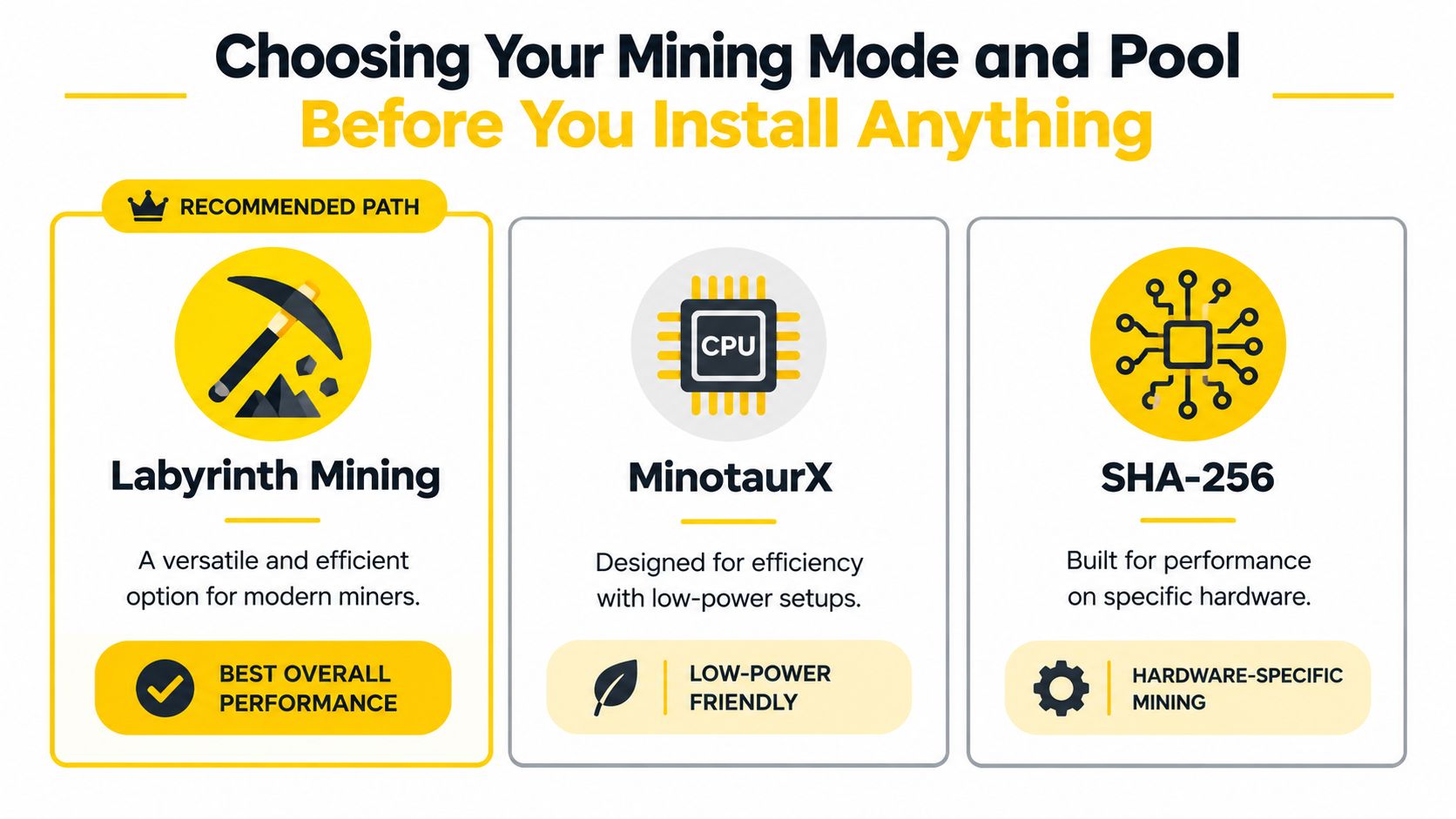
Cascoin's three modes serve different operating profiles. Labyrinth Mining is the recommended path for users who want the project's ecological, gamified approach. MinotaurX suits CPU-oriented, low-power participation. SHA-256 is aimed at experienced ASIC operators who already understand specialized hardware, heat, noise, firmware, and electricity costs.
That choice affects everything downstream, including software, Stratum endpoint, worker settings, and how you interpret performance. A SHA-256 ASIC connected to a MinotaurX endpoint won't become efficient through better configuration. Likewise, a laptop running a CPU miner shouldn't be judged by the same dashboard expectations as an ASIC.
Practical rule: A share means your miner completed useful assigned work. It normally does not mean you found a block or earned the entire block reward.
Pools reduce the long waiting periods associated with solo mining, but they don't remove operating costs, market volatility, rejected shares, or pool-specific payment delays. Your objective is a monitored, predictable workflow, not merely a running process.
Choosing Your Mining Mode and Pool Before You Install Anything
Commit to a mode before downloading software. The mode determines the miner, the endpoint format, and the hardware settings you'll tune later.
| Mode | Best For | Hardware | Reward Style |
|---|---|---|---|
| Labyrinth Mining | Users seeking the project's ecological, gamified approach | Lightweight client-compatible hardware | Pool distributions based on valid contributed work |
| MinotaurX | CPU-friendly, low-power setups | Desktop CPUs and suitable servers | Pool distributions based on valid contributed work |
| SHA-256 | Experienced ASIC operators | SHA-256 ASIC miners | Pool distributions based on valid contributed work |
Make the hardware decision honestly
For a quiet home computer, MinotaurX may be the practical starting point because it's designed around CPU participation and modest power use. Labyrinth Mining is the more distinctive route if you want to use Cascoin's maze-based mining approach rather than a conventional hash race. SHA-256 only makes sense when your ASIC, firmware, cooling, and electrical supply are appropriate for that workload.
Don't choose based on a pool's advertised headline reward alone. Your actual outcome depends on accepted work, pool fee, payout threshold, electricity, downtime, and the length of time you intend to operate.
Pool selection has a second layer. Compare:
- Payout method, especially the difference between predictable PPS or FPPS and more variable PPLNS.
- Fee transparency, including whether transaction fees are treated separately.
- Minimum withdrawal, because a low balance can remain unpaid for a long time.
- Server geography and uptime, since latency contributes to stale work.
- Dashboard clarity, including accepted, rejected, and stale shares.
- Pool concentration, because convenience can increase dependence on a small number of operators.
Research on Bitcoin mining centralization reports that six pools mined 95% or more of Bitcoin blocks in 2025, while the two largest pools controlled roughly 60–70% of hashrate over the preceding two years. The centralization analysis makes the wider point: a pool can be reliable for an individual miner while creating governance, censorship, outage, and transaction-selection risks for the network.
Before installing anything, write down your selected mode, official endpoint, payout method, fee, minimum withdrawal, and backup endpoint. That small decision record prevents you from changing several variables at once when performance looks disappointing. The Cascoin mining pool guide can help you compare the project's available mining path with your hardware.
Installing the Cascoin Wallet and Preparing Your Payout Address
Your payout address should come directly from the official Cascoin wallet. Download it through an official Cascoin channel, verify that the release and download location match the project's published information, and follow our guide on how to set up a crypto wallet if you have not installed one yet. Let the wallet synchronize before using its address for pool payments.
Open the wallet and create or access the account. Use the receive function to generate a fresh address, then copy it from the wallet interface rather than typing it manually. One incorrect character can send mining proceeds to an address you cannot recover.
Protect the destination before mining starts
Back up the wallet data using its documented procedure before directing hardware at the pool. Keep that backup securely and separately from the mining machine. A failed SSD, damaged operating system, or accidental reinstall should not remove access to funds the pool has already paid.
Review the pool's payout format before configuring a worker. Some pools expect the wallet address in the worker username field. Others use an account dashboard where you enter the address separately. A valid-looking address may still be rejected if it is placed in the wrong field or paired with the wrong mining mode.
Use a clear worker naming convention, such as office-cpu-01, labyrinth-node-01, or sha256-asic-01, if the pool accepts that format. The name identifies the device in the dashboard. It does not replace the payout address, account password, or wallet secret.
Never paste a wallet seed phrase or private key into miner software, a pool worker field, or a support chat. Mining configuration needs a payout address, not wallet control credentials.
Keep the wallet locked when it is not needed, and use a separate monitoring device where possible. After synchronization finishes, copy the receiving address into a temporary local note, compare its first and last characters with the wallet, and only then enter it in the pool worker settings. This check is especially useful when switching between Labyrinth, MinotaurX, and SHA-256 workers, where payout fields and worker labels may differ.
Configuring Your Miner and Pointing It at the Pool
The pool gives you four core values: an official Stratum endpoint, a port, a worker identifier, and the payout address or account format it requires. Stratum reduces bandwidth by sending the miner the coinbase-payment data, relevant Merkle-tree data, block-header fields, and the pool's share target. Its direct connection also lets the pool send fresh jobs promptly after a new block is announced, as explained in the Bitcoin developer mining guide.
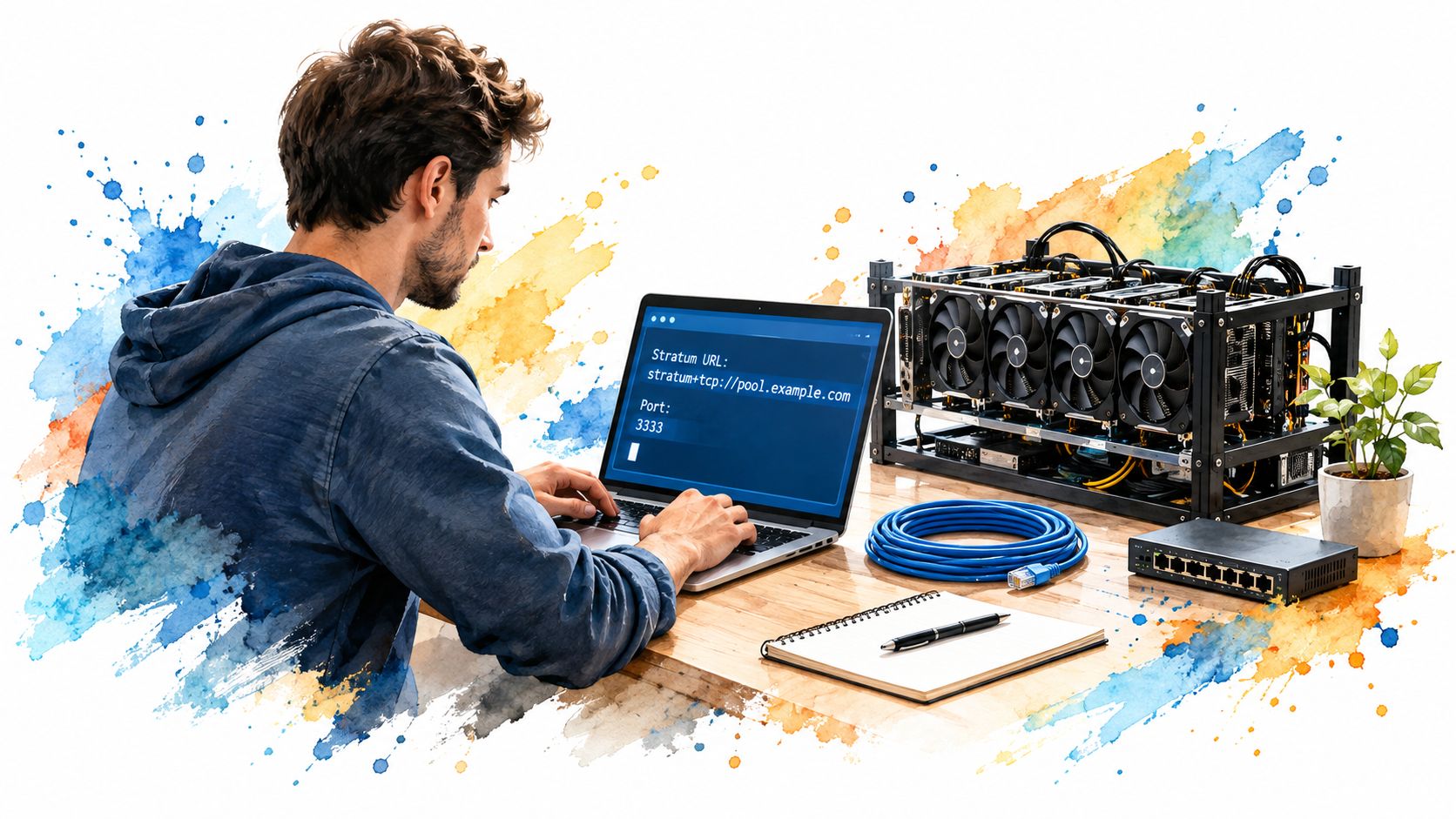
Use the pool's current documentation for the exact hostname and port. Don't substitute an endpoint from a forum post, and don't guess the port. A generic command structure looks like this:
miner --url stratum+tcp://POOL_ENDPOINT:PORT --user WALLET_ADDRESS.WORKER_NAME --pass WORKER_PASSWORD
Replace POOL_ENDPOINT, PORT, WALLET_ADDRESS, WORKER_NAME, and WORKER_PASSWORD. Some pools use the wallet address as the username, some require an account name, and some use a separate payout field. The command above is a pattern, not a universal Cascoin command.
Labyrinth Mining and MinotaurX
For Labyrinth Mining, use the project's supported client and enter the pool endpoint exactly as published. The important fields remain the same, even if the interface uses boxes instead of command-line flags:
Pool URL: stratum+tcp://POOL_ENDPOINT:PORT
User: WALLET_ADDRESS.WORKER_NAME
Password: WORKER_PASSWORD
For MinotaurX, start conservatively on a desktop CPU. Set a reasonable thread count, leave headroom for the operating system, and monitor temperature rather than forcing every available thread immediately. A CPU miner on a battery-powered laptop can create heat, fan wear, and battery stress, so use wall-powered hardware with adequate airflow for sustained work.
A command-line example might look like this:
minotaurx-miner --url stratum+tcp://POOL_ENDPOINT:PORT --user WALLET_ADDRESS.cpu-01 --pass worker-password --threads THREAD_COUNT
Change THREAD_COUNT to the number supported by your miner software. If the software uses --intensity instead, use that option and consult its own help output. Don't combine flags from different miners just because their names look familiar.
SHA-256 ASICs
ASIC interfaces usually separate pool URL, worker username, and worker password into web form fields. Enter:
Pool 1 URL: stratum+tcp://POOL_ENDPOINT:PORT
Pool 1 Worker: WALLET_ADDRESS.sha256-01
Pool 1 Password: WORKER_PASSWORD
Confirm that the firmware supports the required Stratum format and algorithm. Watch the ASIC's reported and accepted work after saving. If the dashboard shows the worker but the ASIC reports frequent connection resets, test the pool's backup endpoint and inspect firmware compatibility before changing unrelated settings.
For a headless server, run the miner under a service manager or a process supervisor so a terminal disconnect doesn't stop it. For a GUI miner, save the profile only after checking that the payout field and worker field weren't reversed.
The first launch is a verification exercise. Look for a connection message, a new job, accepted shares, and a worker entry in the pool dashboard. A local hashrate number by itself isn't enough.
Securing Your Worker, Network, and Dashboard Access
Mining software should make an outbound Stratum connection, not expose an administrative interface to the public internet. Keep the miner behind your normal firewall, restrict management access to your local network or a secure administration path, and avoid forwarding dashboard ports unless you understand exactly what the rule exposes.
Synchronize the system clock before troubleshooting authentication or stale work. An incorrect clock can interfere with connection handling and make logs misleading. Use the operating system's standard time synchronization, then restart the miner and check whether the share stream becomes consistent.
Keep credentials separate
Use a unique worker password rather than reusing your wallet, email, or dashboard password. A worker password usually identifies or authorizes the connection, but it shouldn't contain a seed phrase, private key, or other wallet secret. Enable two-factor authentication on the pool dashboard where available, and use a read-only monitoring account if the service supports separate permissions.
Put the mining device on a separate network segment when practical. That limits the damage if outdated firmware or a bundled miner binary becomes compromised. A broader guide on how to protect your SME from cyber attacks offers useful context for small-office network controls.
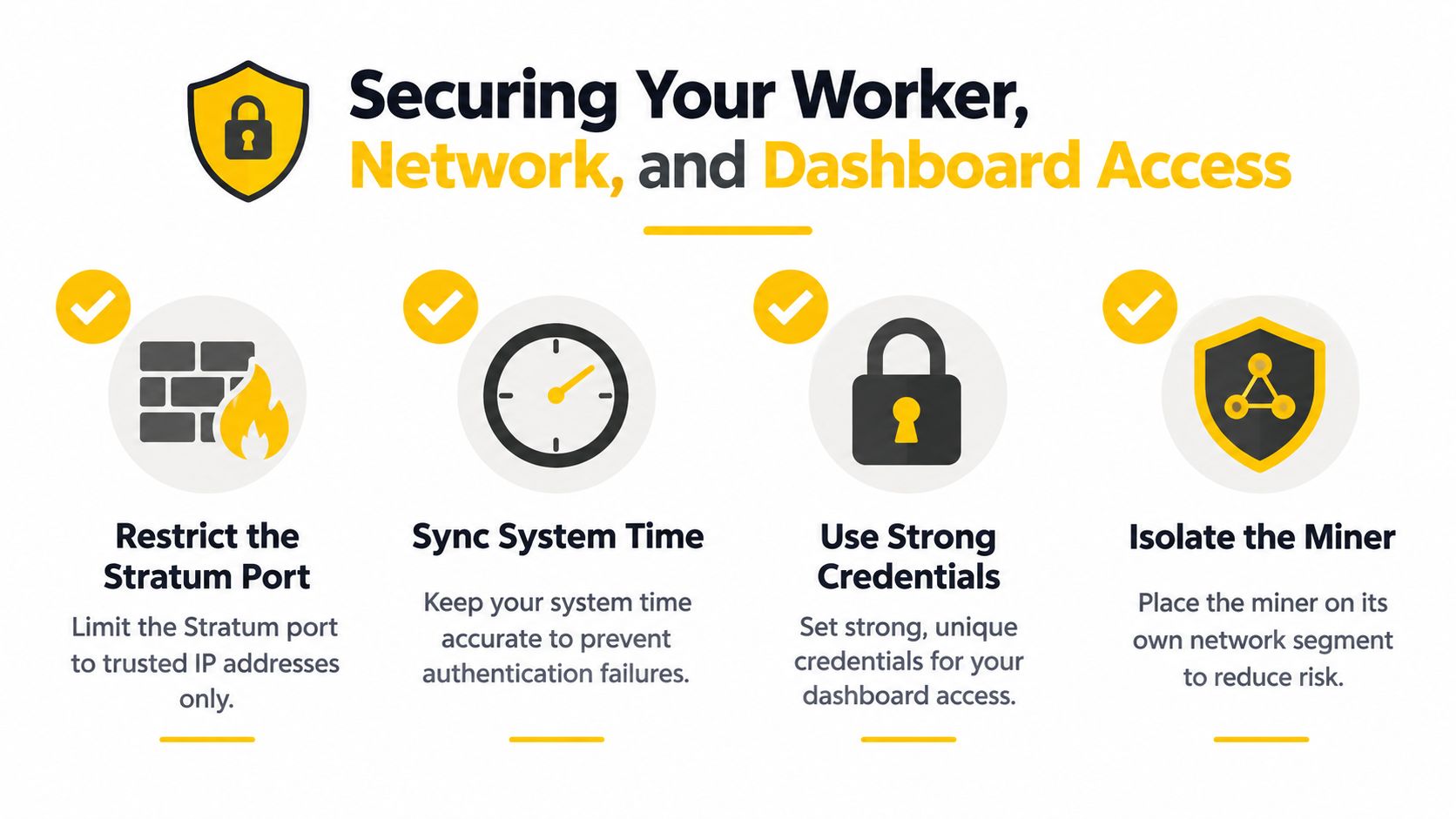
Before leaving the miner unattended, check four things:
- Endpoint access: The miner can reach the official Stratum port.
- Clock accuracy: System time synchronization is active.
- Credential boundaries: Worker and dashboard passwords are unique.
- Network isolation: The device doesn't expose unnecessary services.
Save the configuration securely, but don't publish it in screenshots. Wallet addresses can be visible for monitoring, while passwords and recovery material must remain private.
Verifying Shares, Blocks, and Real-World Performance
The pool dashboard is where you determine whether the miner is contributing useful work. Start with the worker status, then compare accepted shares with rejected and stale shares. Accepted shares indicate valid submissions at the pool's assigned share target. Rejected shares usually point toward configuration, timing, compatibility, or connection problems.
A worker can appear online while doing little useful work. Compare its reported hashrate with the pool's measured hashrate, inspect the recent share timestamps, and check whether the worker has gone quiet between updates. Don't judge the setup from one brief interval. Block discovery is stochastic, and payout balance grows according to the pool's accounting rules rather than the local hashrate display.
Follow a block independently
When the pool announces a Cascoin block, open the Casplorer block explorer and locate the block independently. Confirm the block height, the mining pool attribution where available, and the coinbase transaction. Then inspect whether the configured payout destination appears in the transaction or related reward record.
This separation matters because a pool dashboard is an operational interface, while an explorer provides an independent view of on-chain activity. The same habit applies to security research, where a practical GoSafe Dark Web monitoring guide can provide broader context about protecting sensitive information without treating a single dashboard as the whole security picture.
If accepted shares are healthy but your payout remains absent, check the minimum withdrawal, schedule, account balance, and payout address. If rejected shares rise after changing intensity, revert the change and test the nearest endpoint. Rename workers only when necessary, because stable names make historical comparisons much easier.
Troubleshooting Common Problems and Tuning for Steady Rewards
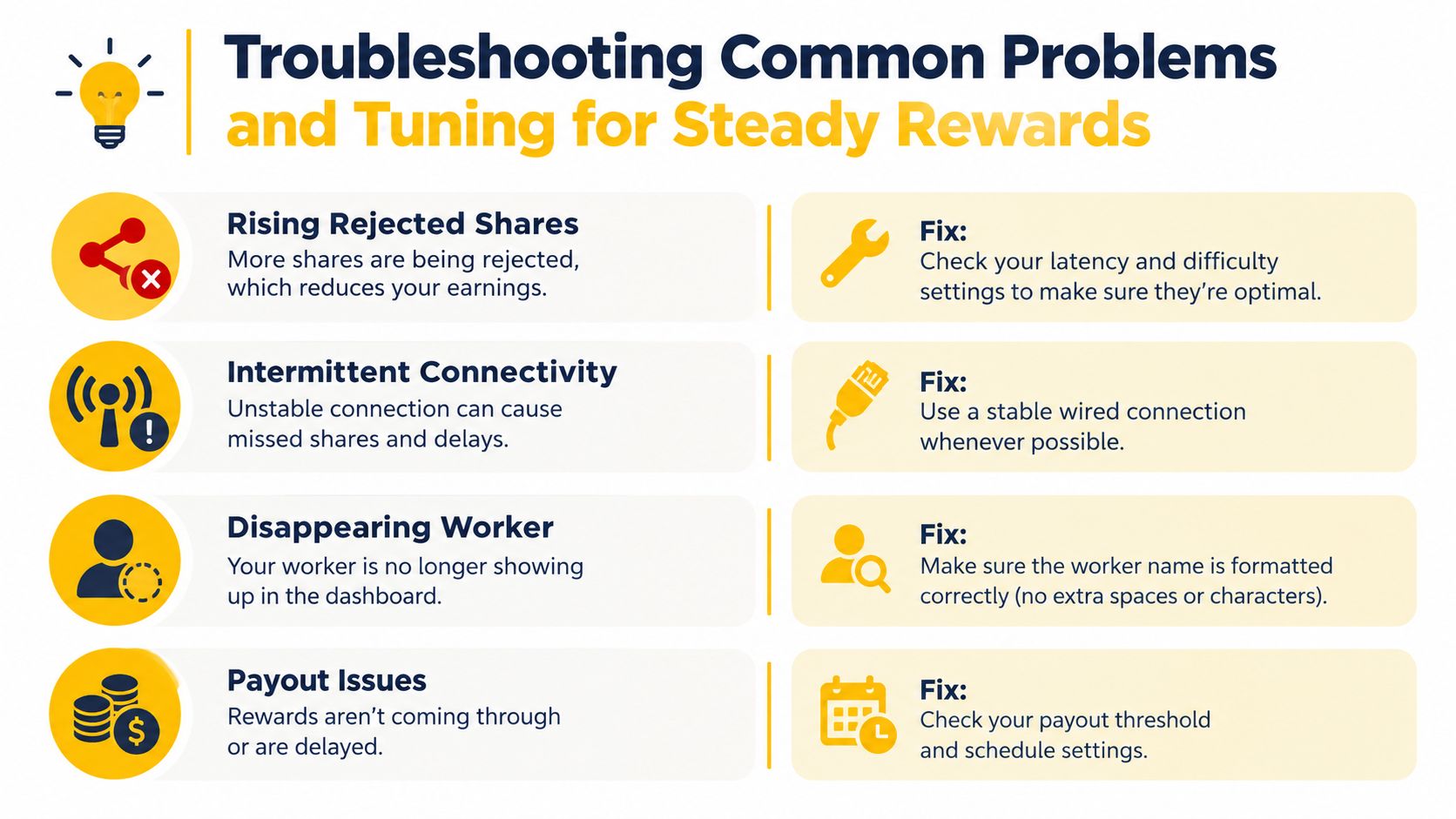
A running miner can still be underperforming. Use the symptom rather than the headline hashrate to choose your next action.
| Symptom | Likely Cause | Fix |
|---|---|---|
| Rising rejected shares | Latency, incorrect difficulty handling, unstable connection, or incompatible software | Test the nearest endpoint, confirm the official configuration, and reduce intensity |
| Intermittent connectivity | Weak wireless link, overloaded router, or endpoint instability | Prefer a stable wired connection and test the backup endpoint |
| Worker disappears | Worker name formatting error, stopped process, or account mismatch | Match the username format exactly and check miner logs |
| Payout doesn't arrive | Balance below threshold, payout schedule, or wrong destination | Review pool rules and compare the address with the wallet |
| Hashrate looks unrealistic | Short measurement window, thermal throttling, or software estimate | Wait for a longer sample, check wall power and temperatures, and compare accepted shares |
Tune one variable at a time
Start by testing the geographically nearest endpoint, then a backup endpoint. Confirm system time, update compatible firmware, and lower miner intensity if rejected shares or thermal throttling increase. For performance judgment, track accepted shares over 24–72 hours, as recommended in the mining-pool payout guidance, rather than reacting to a short burst of luck or a temporary dashboard estimate. The variance and operating-cost analysis also warns against judging pool quality from payout frequency alone. It reports only a weak-to-moderate relationship between monthly payout transactions and blocks found, with correlations from -0.3 to 0.6.
Payout method should match your cash-flow needs. Historical research describes proportional payouts as an early Bitcoin model that had largely disappeared by 2013, while PPS and PPLNS became common alternatives. PPS pays a predetermined amount per valid share and places more short-term block-finding variance on the operator. PPLNS pays from a recent share window when the pool finds blocks, so your results fluctuate more but may come with a different fee structure. FPPS later added an allocation for expected transaction fees and became the dominant scheme from 2019, exceeding 50% of total market share, according to the peer-reviewed payout analysis.
For a small or power-constrained miner, PPS-like rewards can be attractive because academic analysis finds that they minimize payout variance among schemes with long-run rewards proportional to hashrate. That stability still doesn't guarantee profit. Calculate electricity, pool fees, rejected shares, hardware efficiency, and withdrawal costs before expanding the setup.
You started with a miner that displayed numbers but no clear meaning. You should now have a selected mode, a protected payout address, a correctly named worker, accepted-share evidence, and a troubleshooting process that separates network issues from payout variance.
Cascoin offers Labyrinth Mining, MinotaurX, and SHA-256 pool-mining paths for different hardware and operating preferences. Choose the mode that fits your equipment, verify the worker through accepted shares and on-chain activity, and visit Cascoin to review the available wallet, pool, and open-source project resources before you start.